Helpdesk Suite
Detailed capabilities of the ERP36T Helpdesk solution.
Helpdesk is essential for managing customer support requests, internal service issues, and communication workflows in a structured and timely manner. ERP36T Helpdesk module is designed to centralize ticket intake, assignment, SLA tracking, escalations, self-service access, and support communication in one connected system. By converting requests from portals, email, forms, and other channels into trackable tickets, businesses can improve response times, reduce missed issues, and maintain better visibility into support performance. This helps organizations deliver more consistent service, improve user satisfaction, and strengthen operational accountability.
The ERP36T Helpdesk module includes the following components:
- Ticket Management
- Customer Support Request Logging
- Internal Service Request Management
- Multi-Channel Ticket Intake
- Email to Ticket Conversion
- Portal-Based Ticket Submission
- Customer Self-Service Portal
- Knowledge Base Management
- FAQ and Help Articles
- Ticket Assignment and Routing
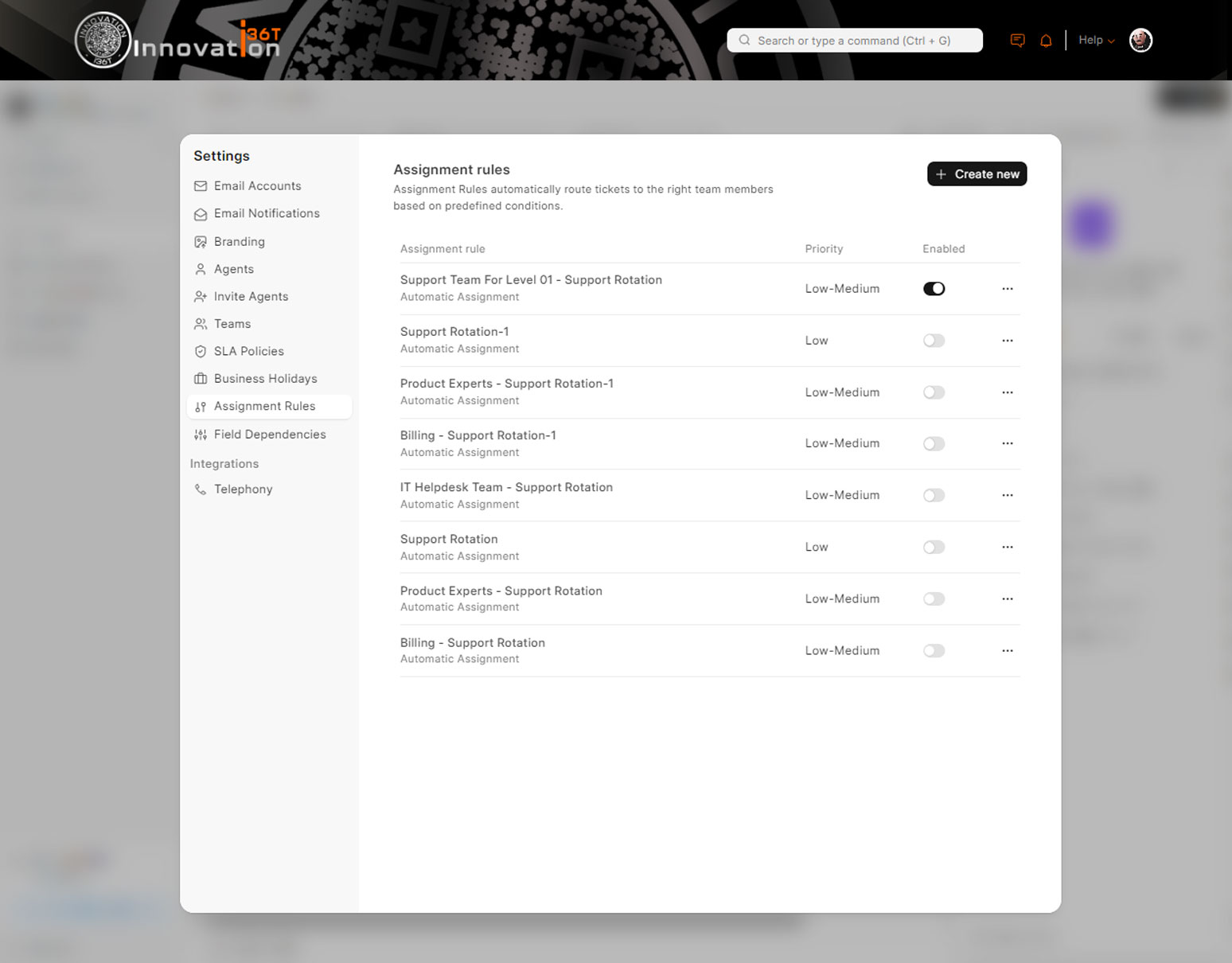
- Auto Assignment Rules
- Priority and Severity Management
- SLA Management
- Escalation Management
- Reopen Ticket Handling
- Status and Resolution Tracking
- Agent and Team Management
- Department and Queue Management
- Task and Follow-Up Management
- Internal Notes and Collaboration
- Customer Communication History
- Email and Notification Integration
- Reminder and Alert Management
- Approval and Workflow Automation
- Issue Categorization and Tagging
- Asset or Service Linking
- CRM Integration
- Customer and Contact Linking
- Project and Task Linking
- Sales and Service Coordination
- Accounting and Billing Integration
- HR and IT Support Use Cases
- Mobile and Web Access
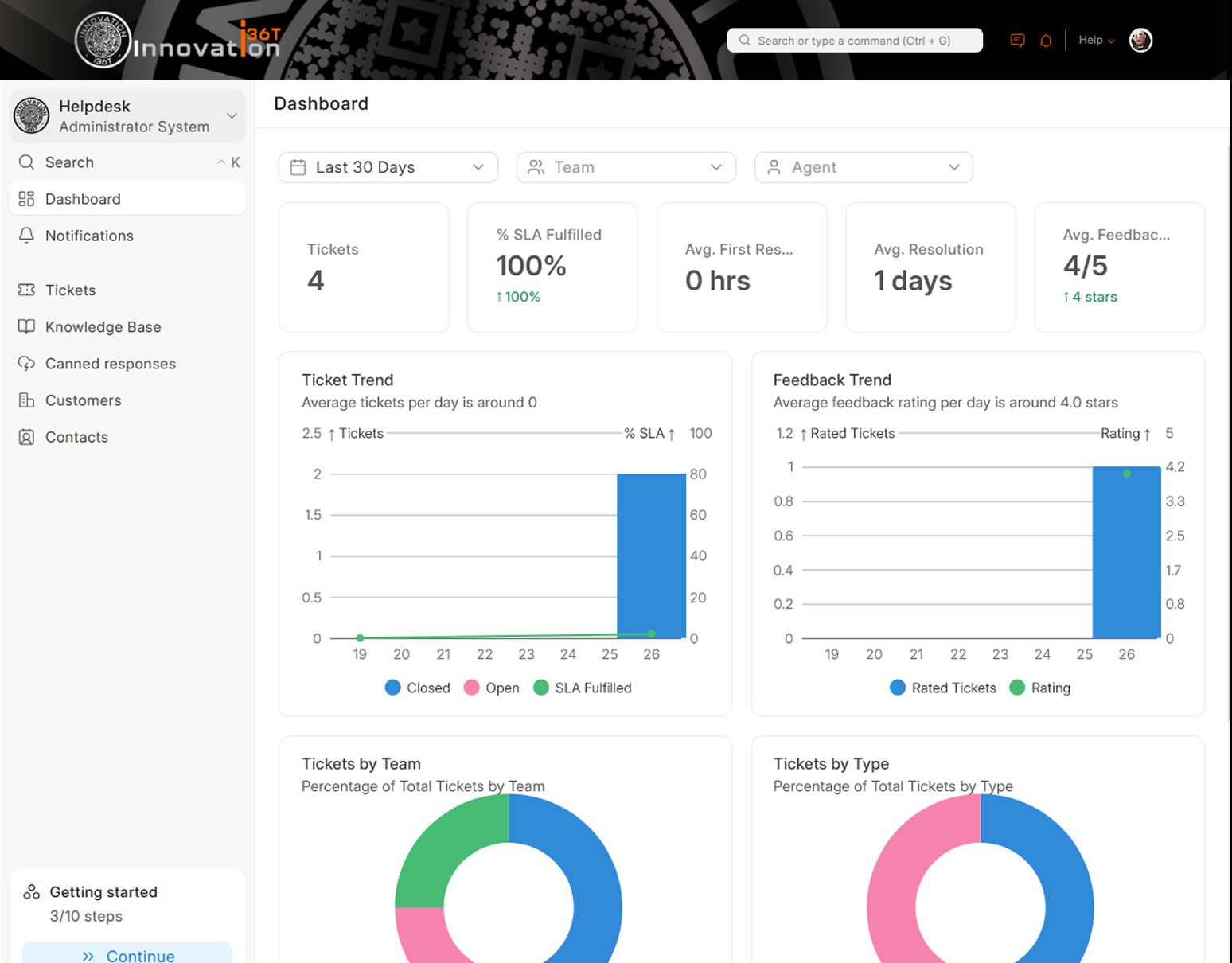
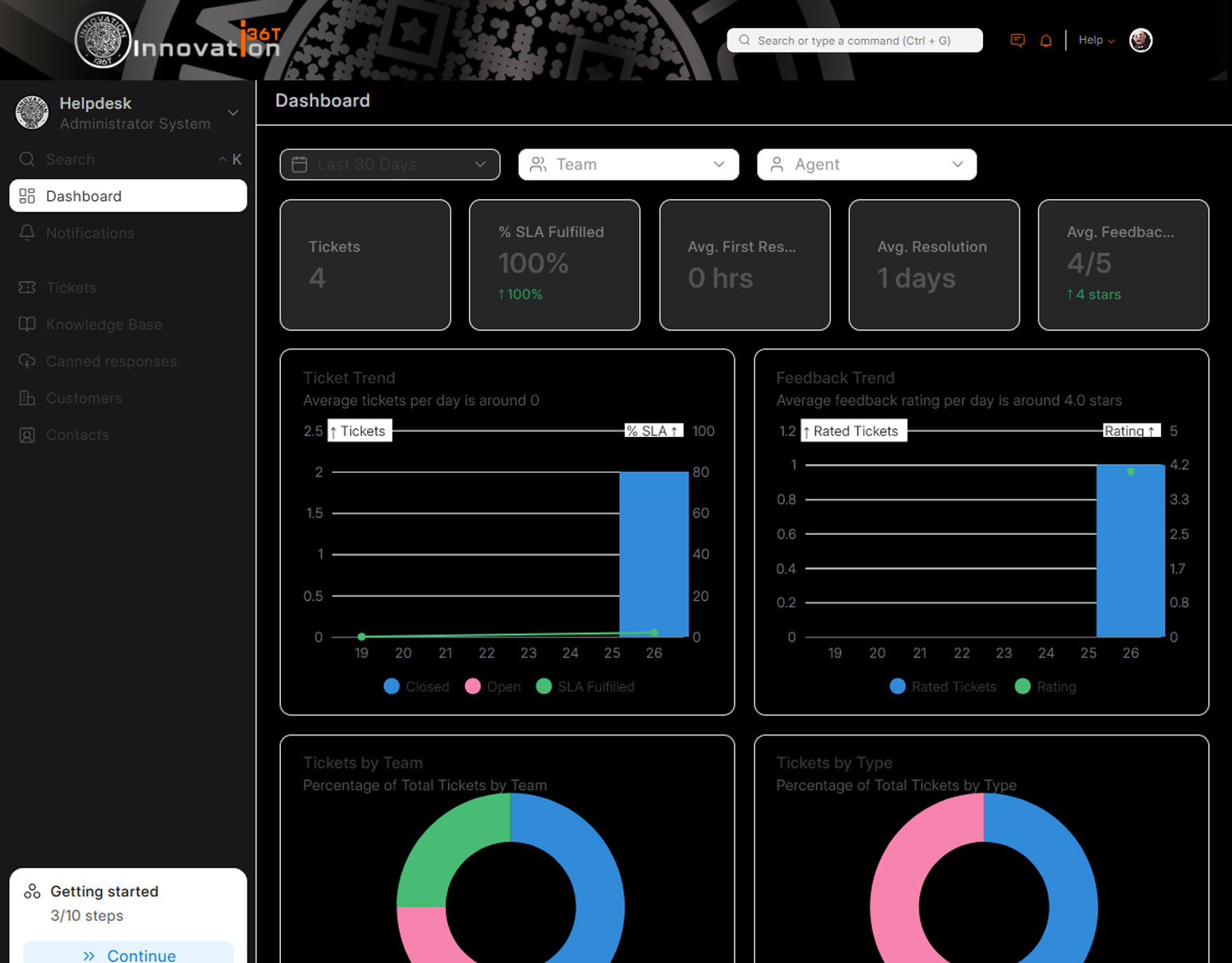
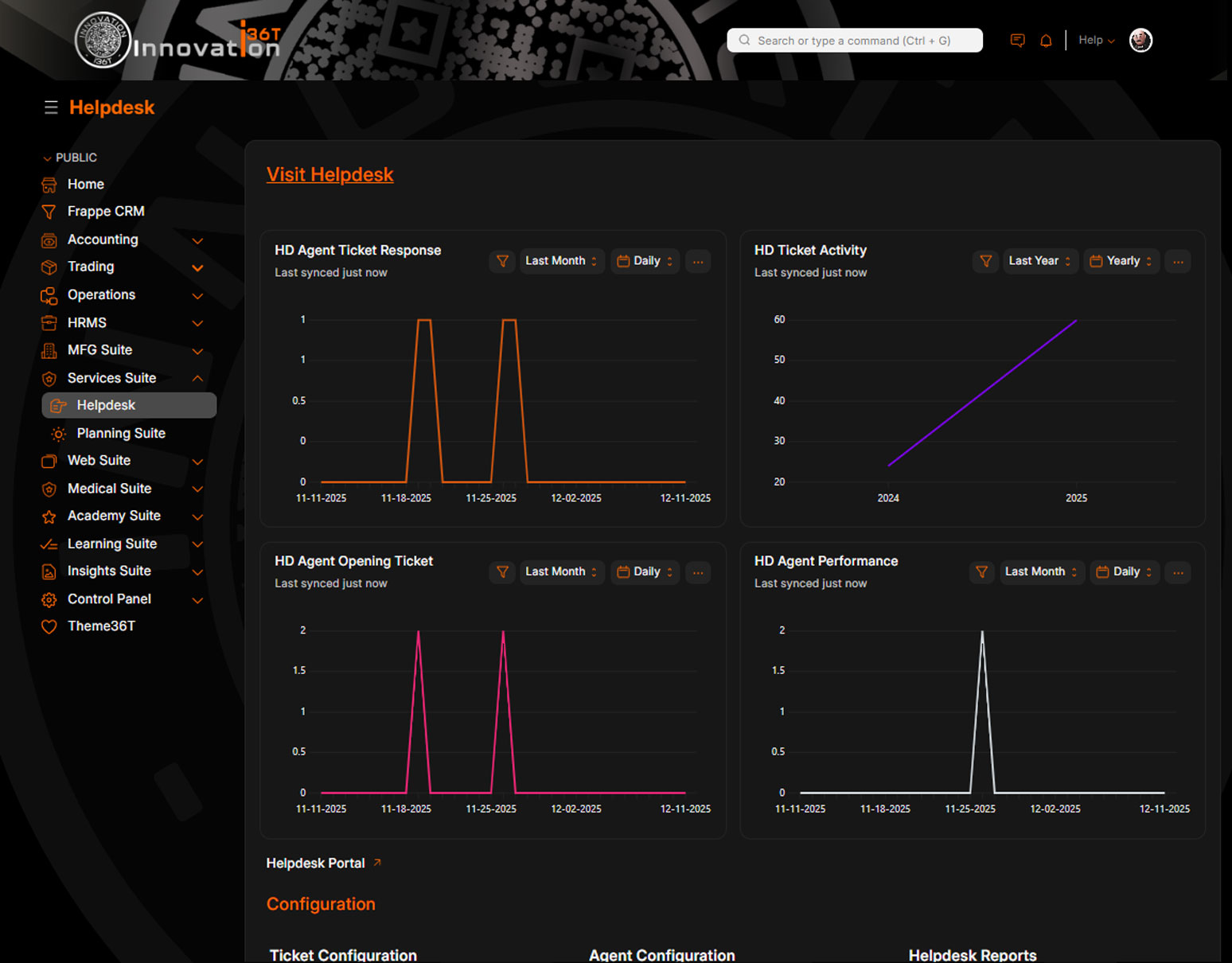
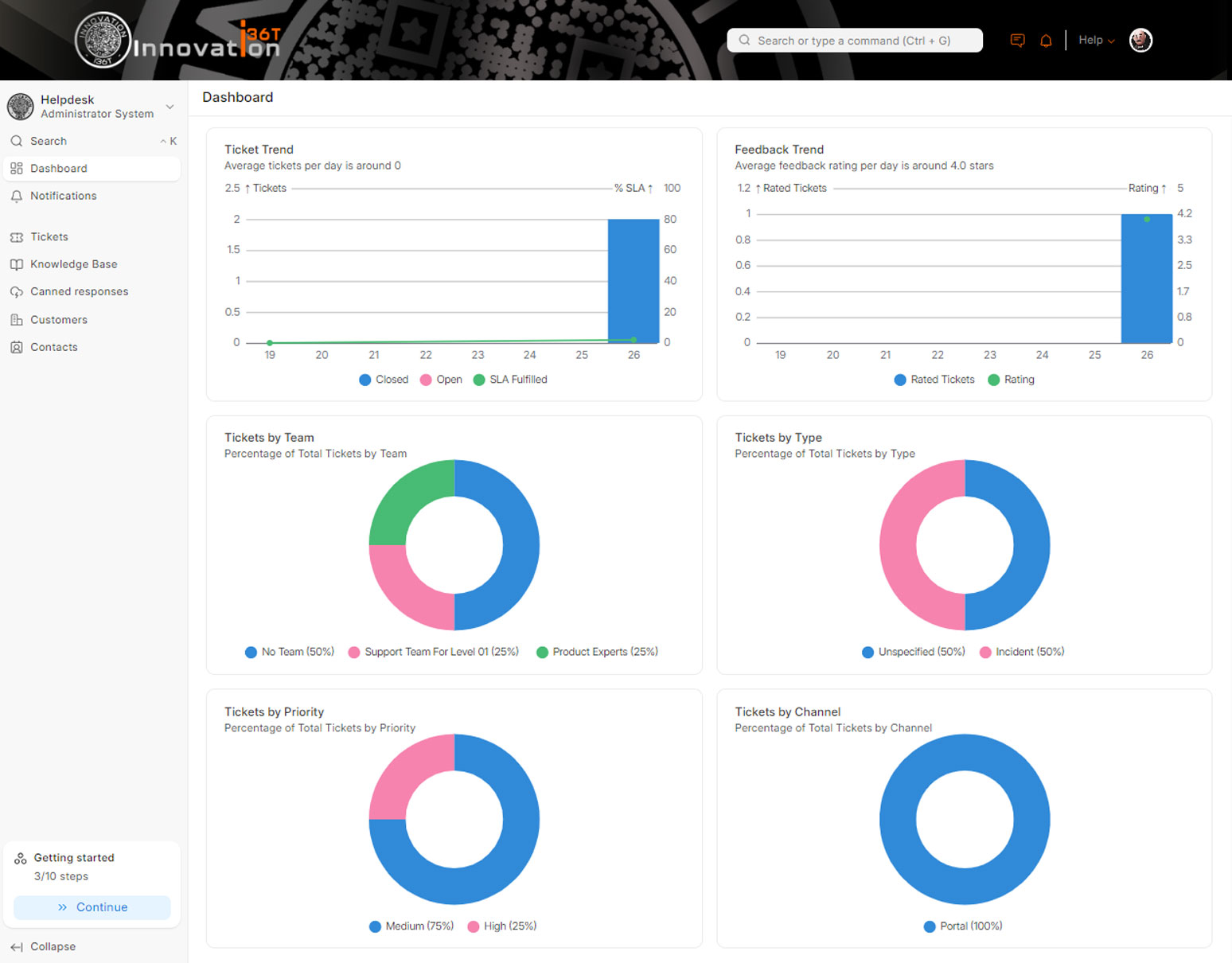
- Dashboard and Performance Analytics
- Agent Productivity Tracking
- Ticket Aging and Resolution Reports
- Audit Trail and Activity History
ERP36T Helpdesk offers powerful features and advantages that help organizations improve service quality, team coordination, and issue resolution speed. It provides a modern ticketing environment with automated assignments, SLA monitoring, escalation rules, customer portals, and knowledge base support, allowing teams to manage support operations more efficiently. The system can work across customer support, internal IT helpdesk, HR support, and service teams while integrating with CRM, projects, tasks, sales, and accounting workflows for broader business visibility. With structured queues, follow-up reminders, detailed reporting, and complete communication history, ERP36T Helpdesk enables organizations to reduce response delays, improve accountability, and deliver a more professional support experience.
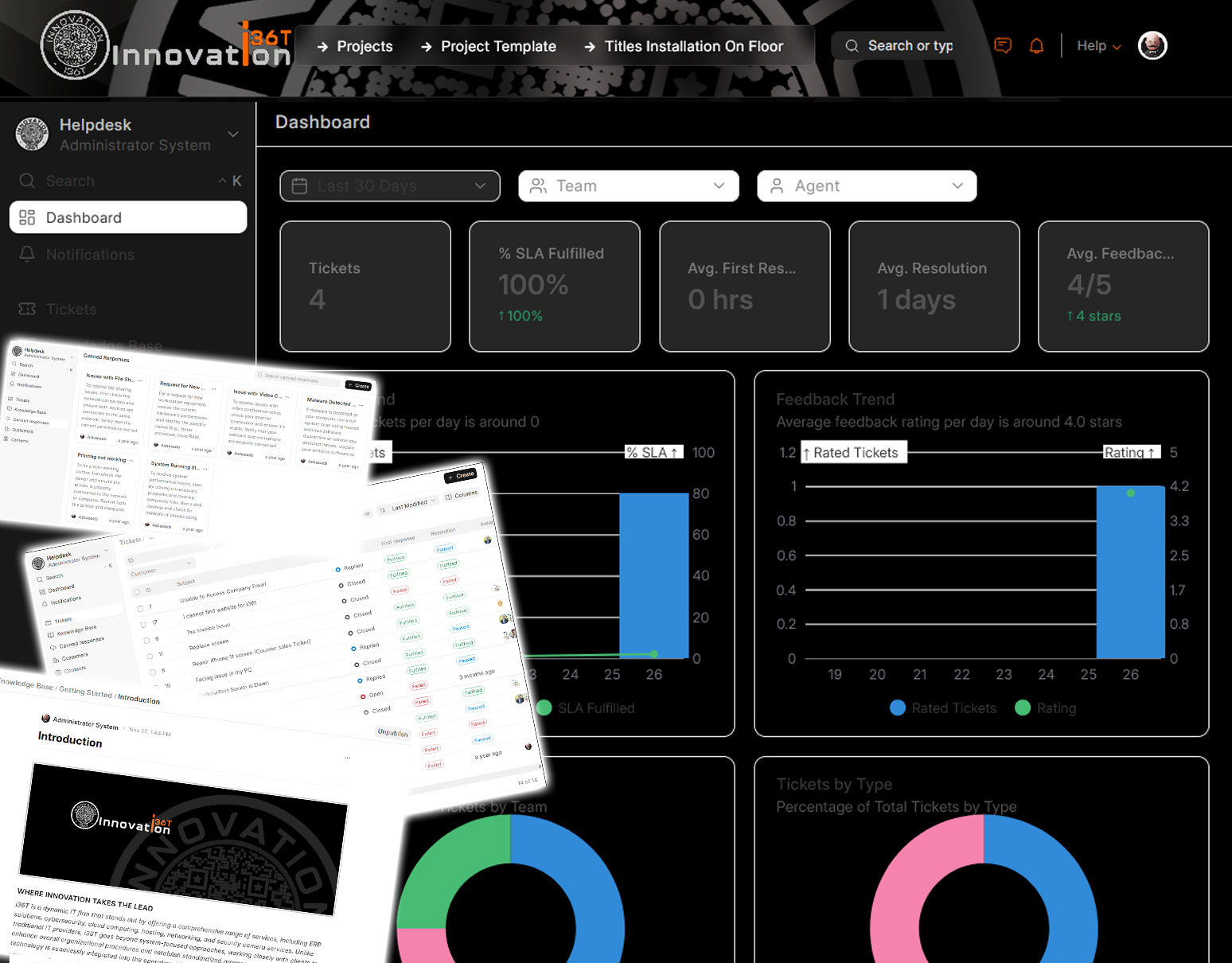
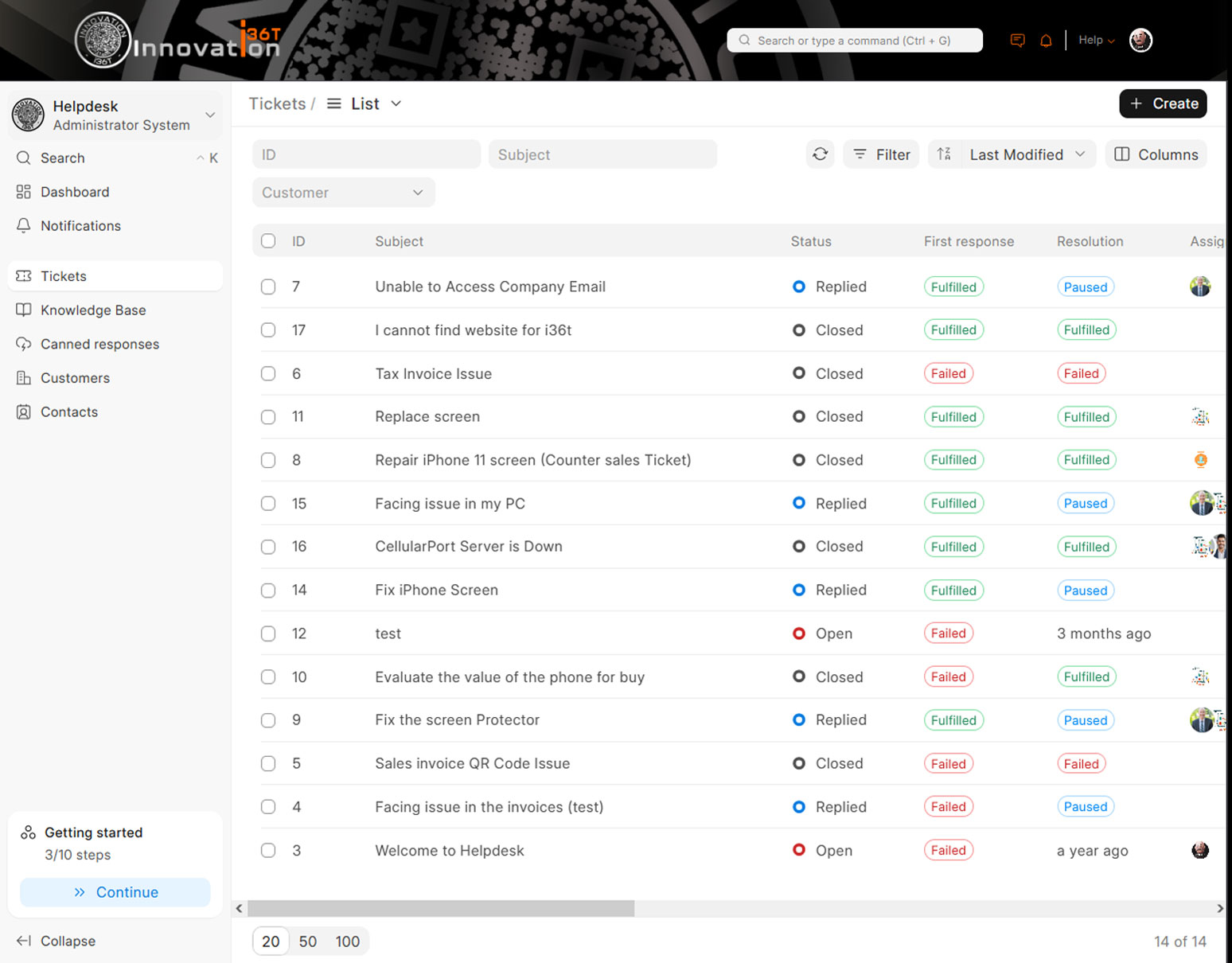
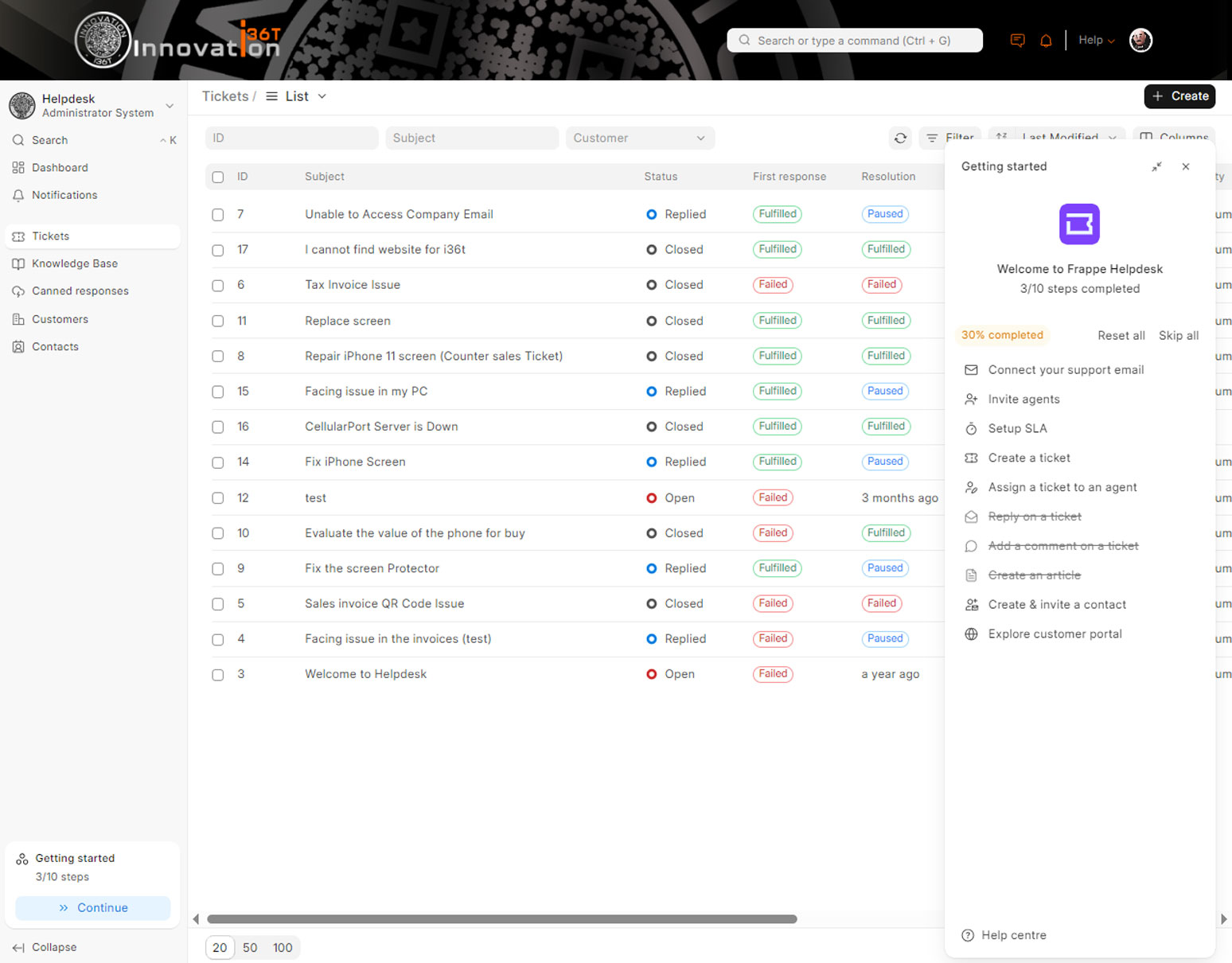
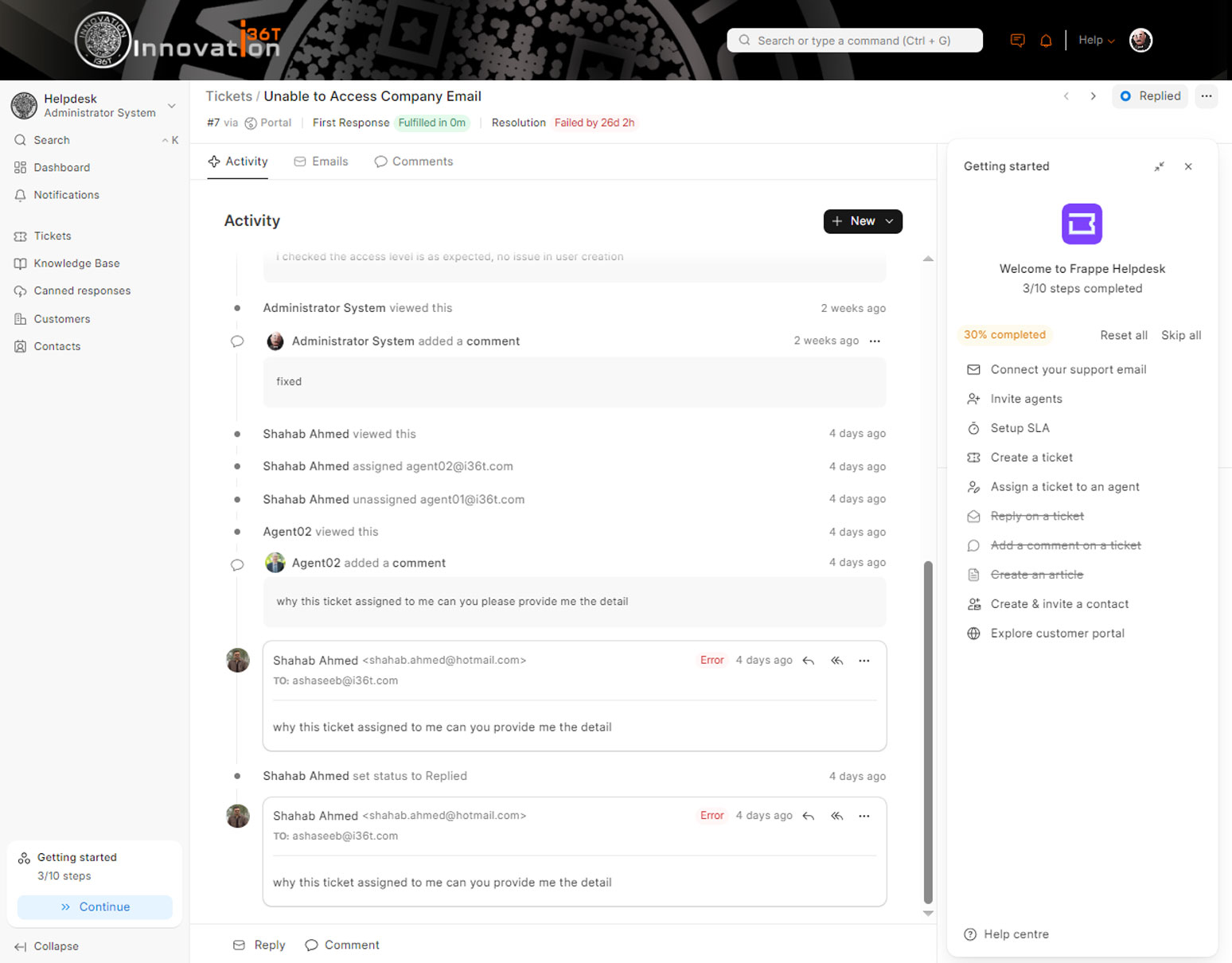
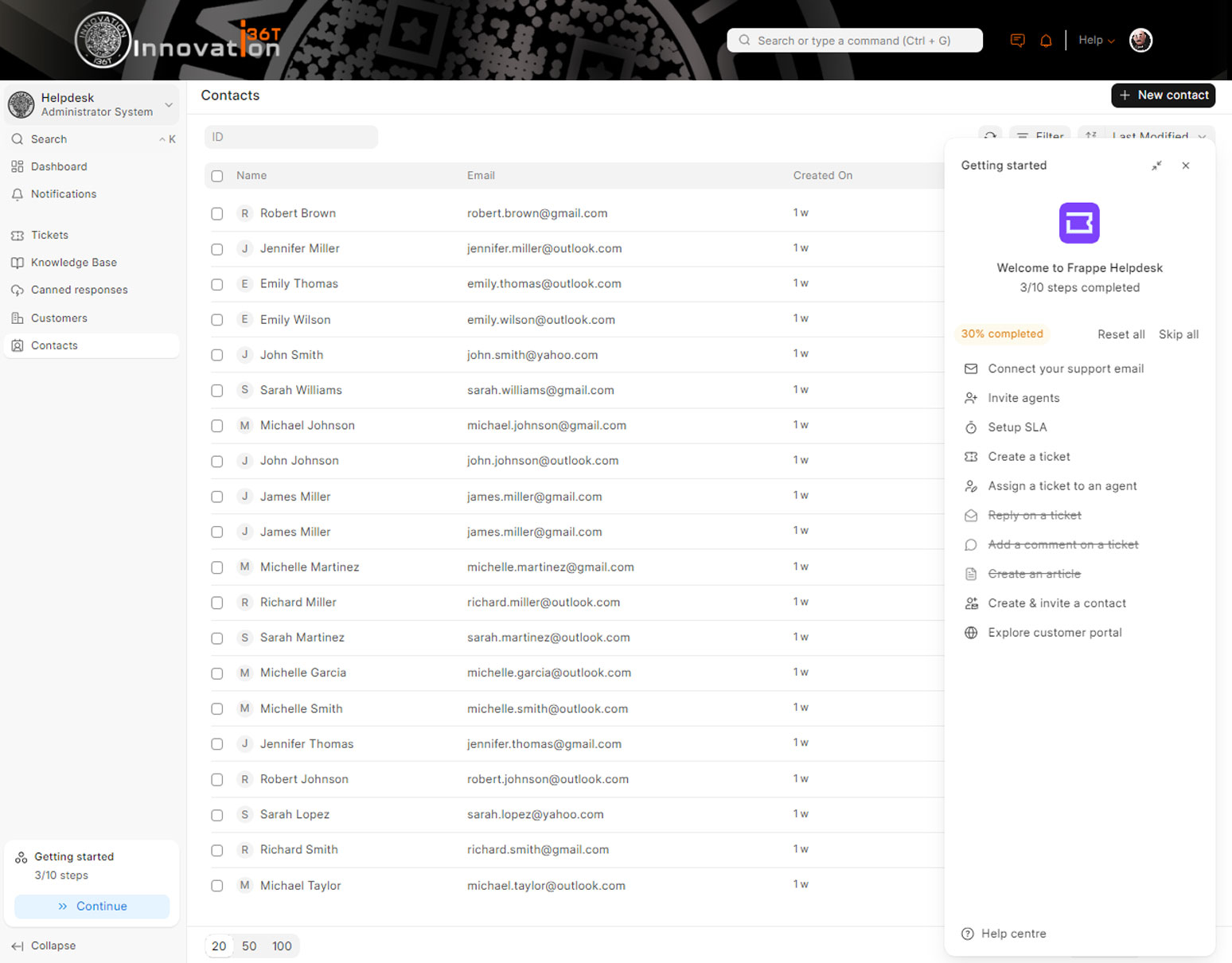
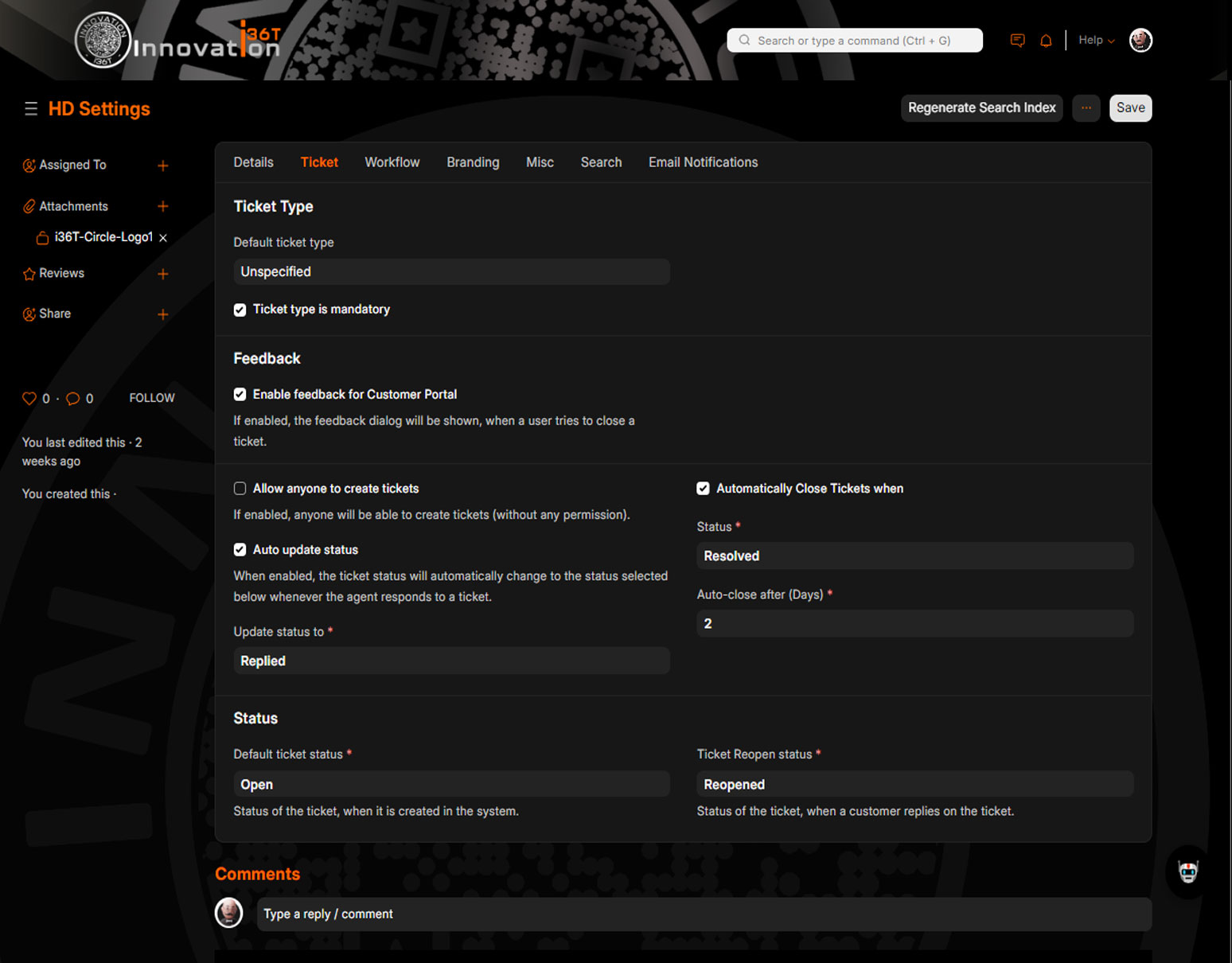
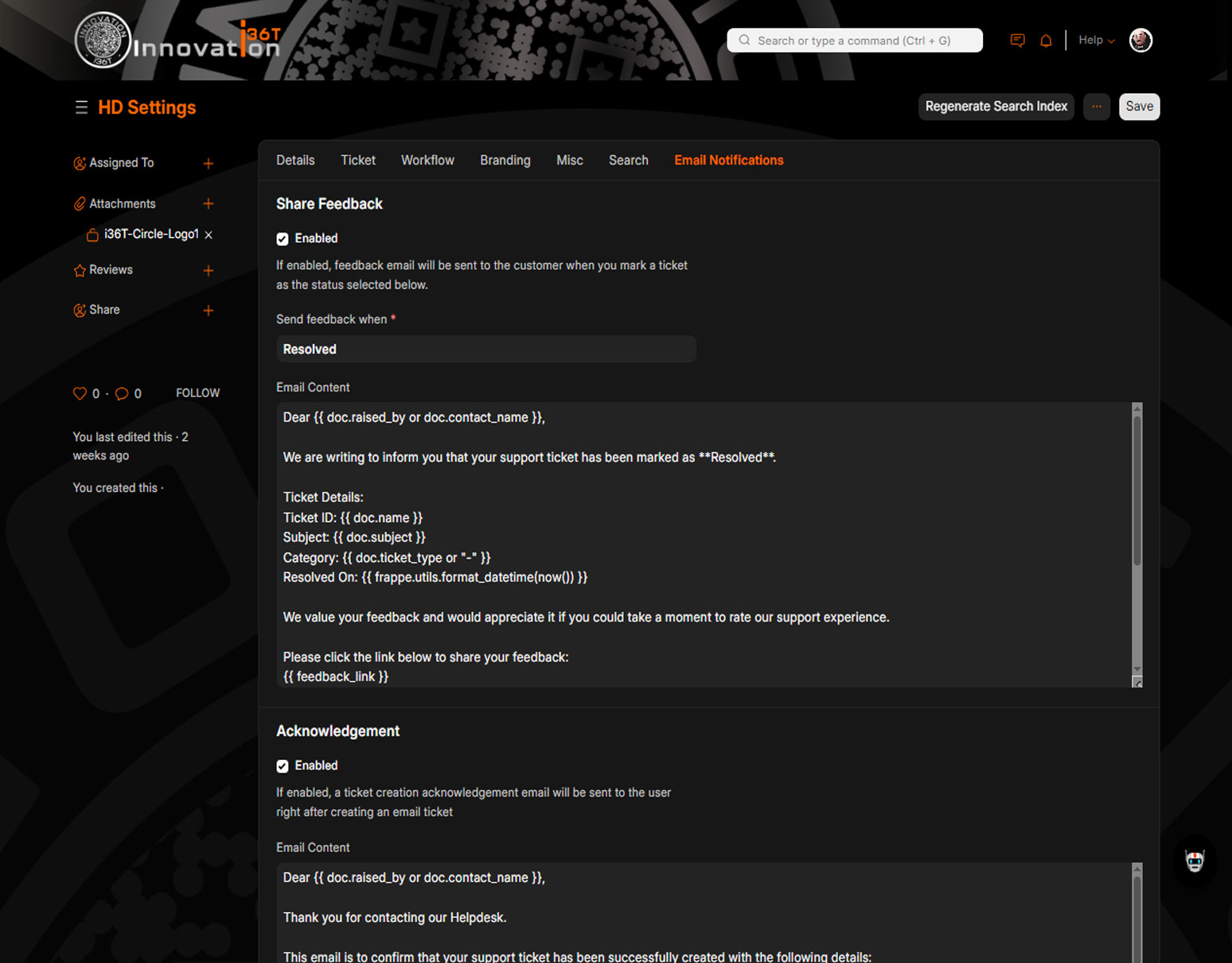
Screen Shots
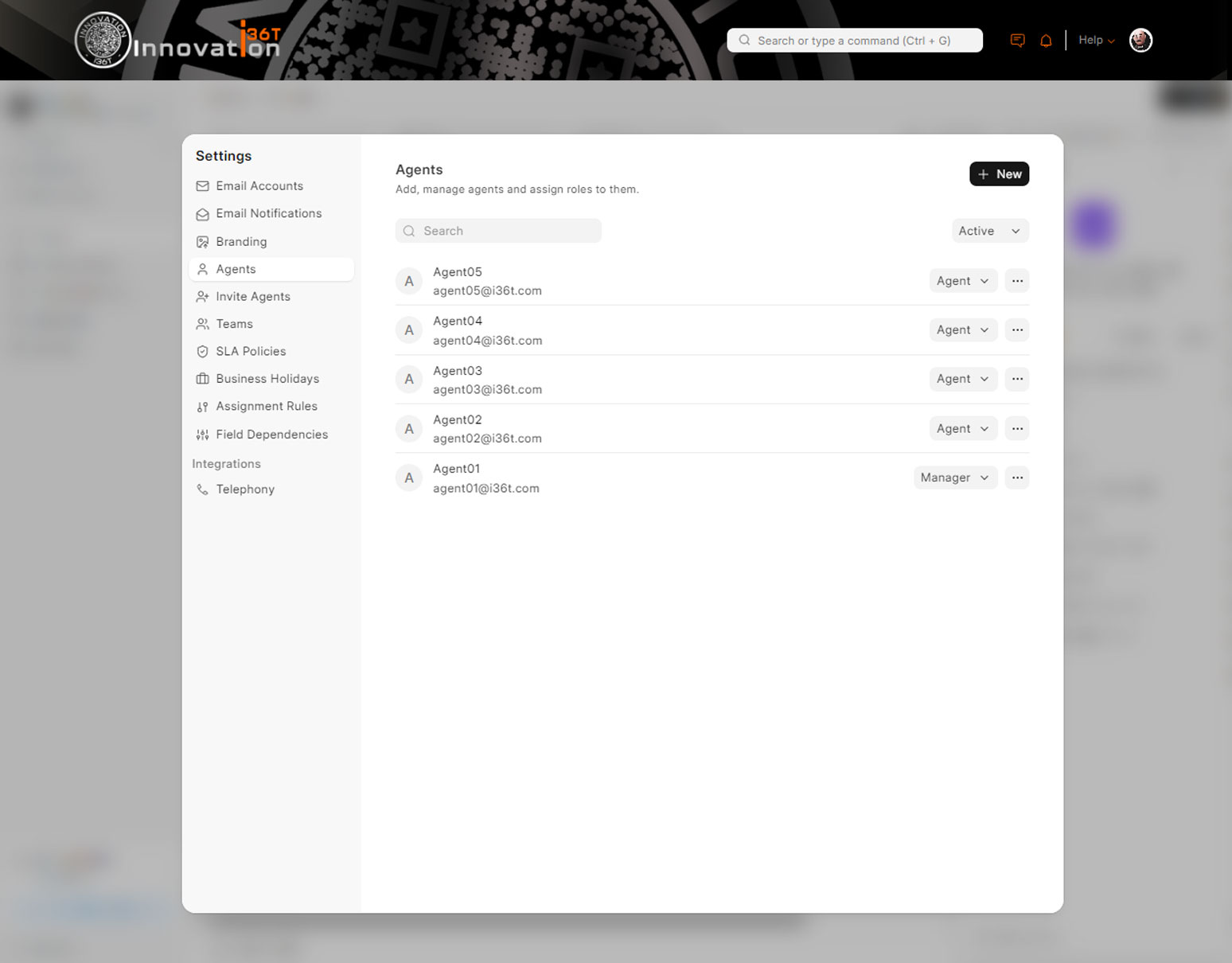
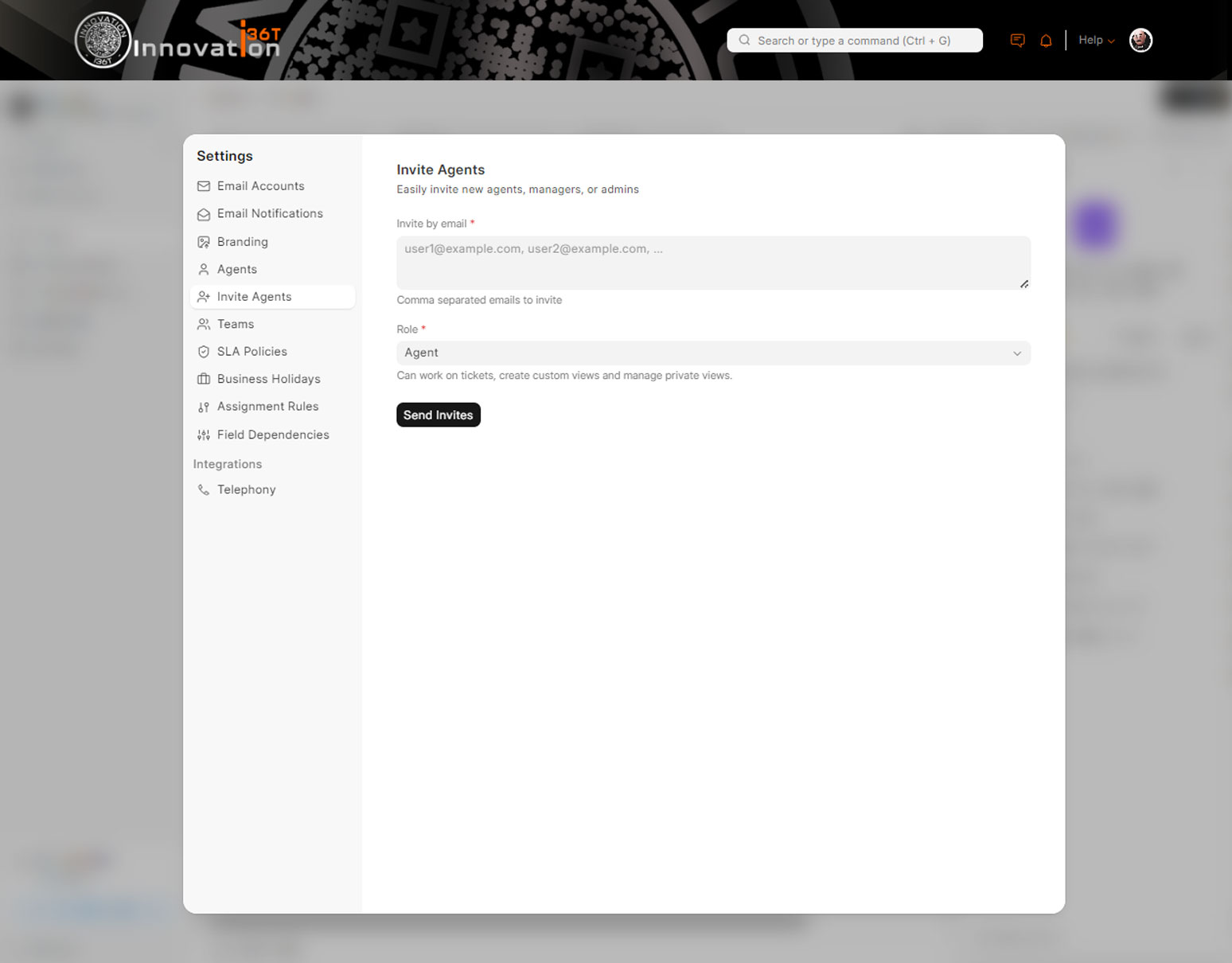
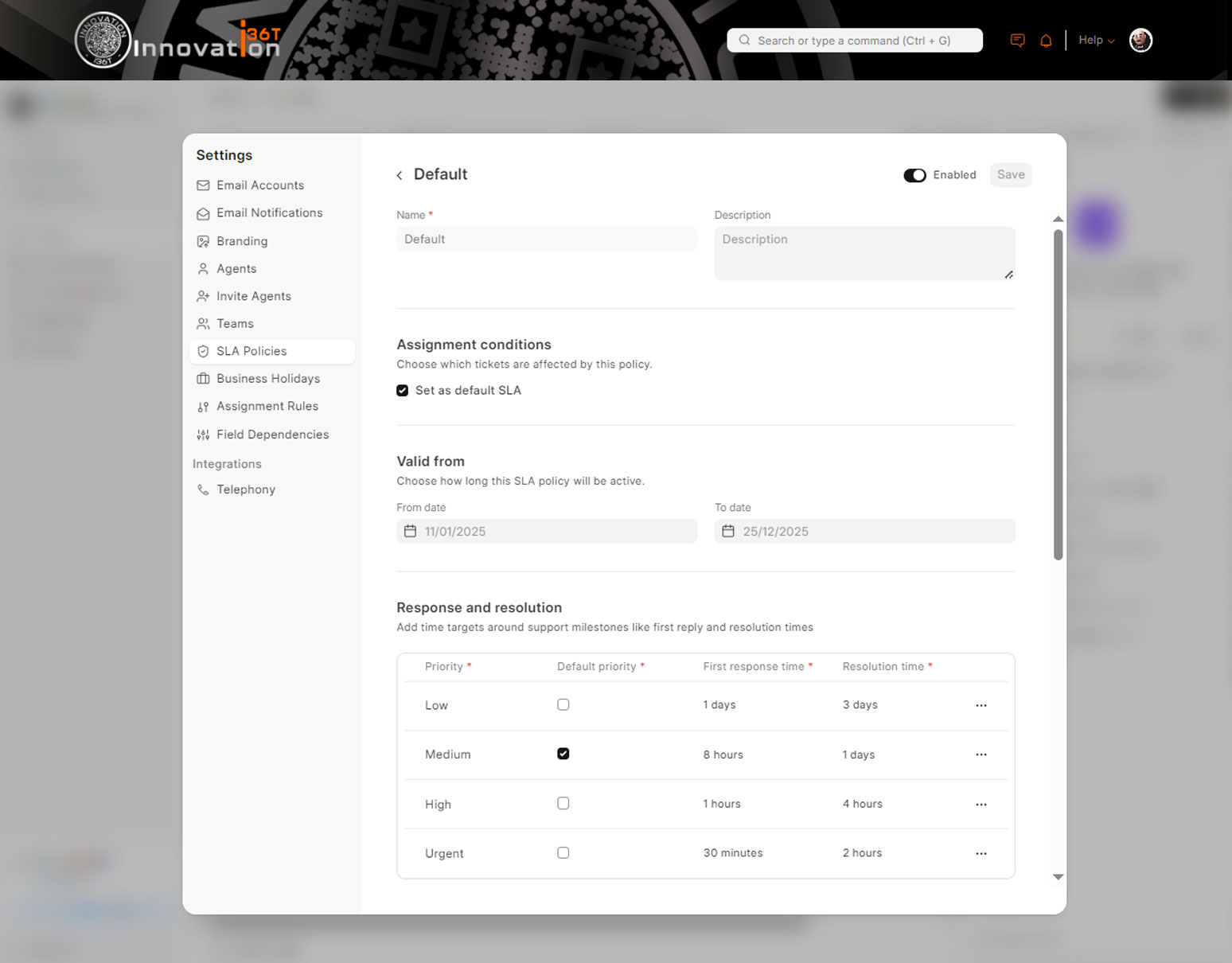
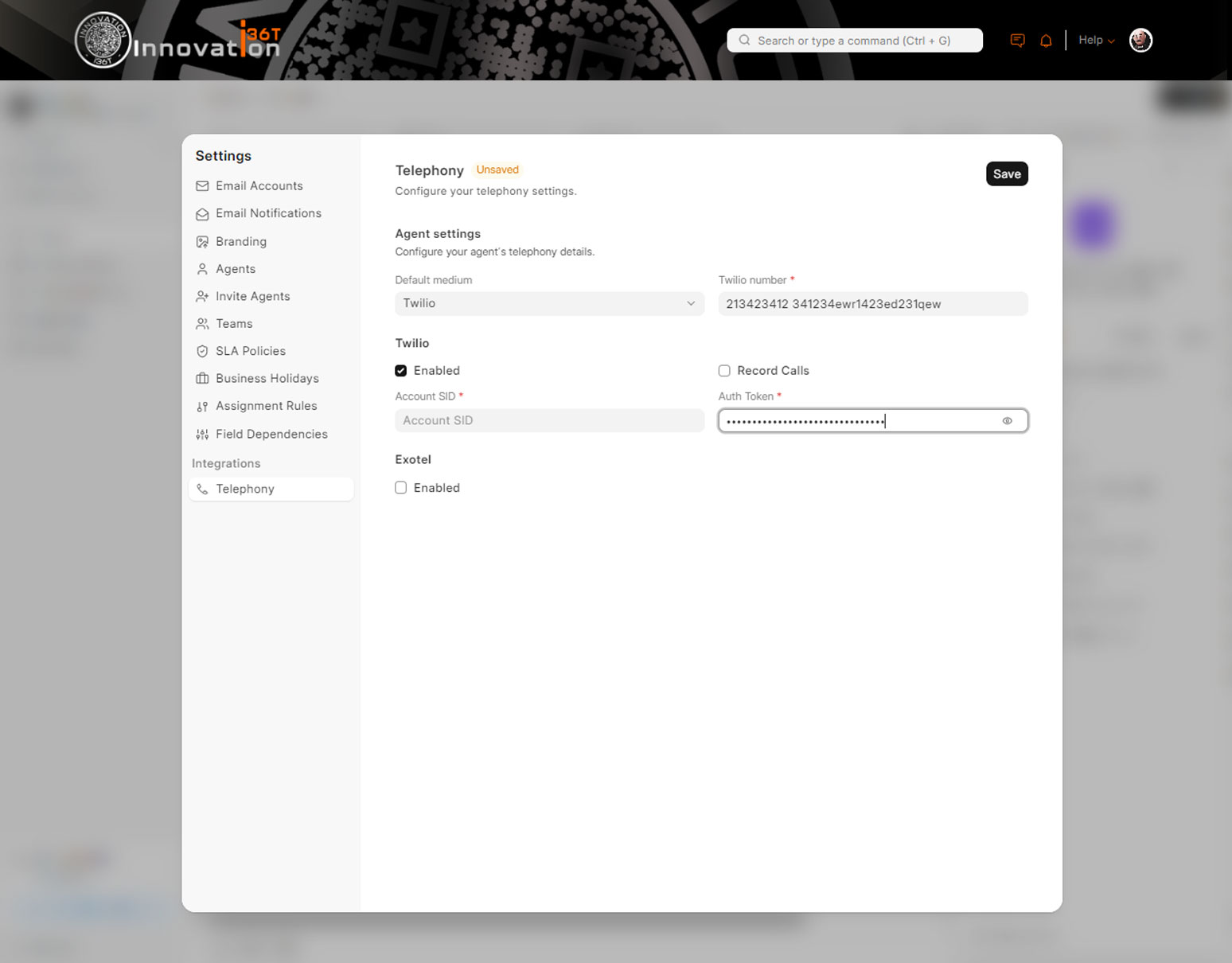
Key interface previews from the ERP36T Helpdesk solution.
Need to discuss your helpdesk requirements?
Speak with our team about ERP36T Helpdesk implementation, process fit, integration needs, and the right setup for your organization.
Features
Key functionalities of the Helpdesk Support module.
Ticket Management
Track, manage, and resolve customer support tickets efficiently. Categorize, prioritize, and assign tickets for smooth workflow management.
Automated Ticket Creation
Automatically create tickets from emails, web forms, or integrations with other systems to ensure no customer issue is missed.
Customer Interaction History
Maintain a history of all customer interactions. View past tickets, solutions provided, and communication logs for better service.
Live Chat Support
Engage with customers in real-time through integrated live chat. Provide instant solutions to quick queries and concerns.
Ticket Print Options
Generate printable versions of support tickets and responses for documentation and reporting purposes.
Ticket Automation Rules
Set up rules for automatic ticket assignment, escalation, or closing based on ticket type, urgency, or priority.
Email Notifications
Receive automated email notifications for new tickets, ticket updates, and escalations to keep all stakeholders informed.
Knowledge Base Integration
Integrate a knowledge base to provide self-help resources to customers. Quickly resolve common issues with articles and guides.
Ticket SLA Management
Define Service Level Agreements (SLAs) for ticket resolution times. Track SLA compliance and ensure timely customer support responses.
Reporting & Analytics
Generate reports on ticket resolution times, customer satisfaction, and team performance for insightful decision-making and continuous improvement.
Team Assignment & Collaboration
Assign tickets to specific support agents, collaborate within the ticket, and track resolution progress across the team.
Multiple Ticket Views
Provide multiple views of tickets including board, list, and kanban views to match your team's workflow and preferences.
Customer Portal Integration
Allow customers to submit and track their own tickets via a dedicated portal, reducing dependency on support agents.
Customizable Ticket Fields
Customize ticket forms to collect specific information needed for each type of issue or request, ensuring accurate case details.
Ticket Archiving
Archive resolved tickets for future reference, enabling easy retrieval and improving response for recurring issues.
Integration with ERP36T Modules
Seamlessly integrate the Helpdesk module with other ERP36T modules such as CRM, Projects, Inventory, and Accounting for a unified support system.
Security & Access Control
Ensure secure access by setting role-based permissions for different support team members, limiting access to sensitive information.
Custom Alerts & Notifications
Set up custom alerts and notifications for ticket status changes, escalations, or SLA breaches, ensuring prompt action and timely resolution.
Workflow
Streamline processes with configurable workflows tailored to business needs.
Chatbot
Enhance customer interaction with AI-driven chatbot capabilities.
Notification & Event Scheduler
Automate reminders and schedule events for efficient task management.
Data Upload & Download
Easily import and export bulk data for seamless operations.
Bulk Records Update
Update multiple records simultaneously with user-friendly tools.
OAuth Security including 2FA
Ensure secure access with OAuth protocols and two-factor authentication.
Google Plugins
Integrate seamlessly with Google Workspace tools for enhanced productivity.
To Do Task Management
Keep track of tasks and prioritize with a built-in to-do list feature.
Document Management & Sharing
Organize and share documents securely across teams and departments.
Full Data & Feature Security User Controls
Control access to data and features with robust user permission settings.
Self Services and Web Portal
Empower users with self-service options and an intuitive web portal.
Payment Gateway
Facilitate online payments with secure and integrated payment gateways.
Record History
Track changes to records with a detailed audit trail for accountability.
Integration with Legacy Systems
Seamlessly connect with existing legacy systems for smooth transitions.
B2B Integration
Facilitate business-to-business connections and workflows effectively.
B2C Integration
Connect directly with consumers for streamlined operations and services.
WhatsApp Integration
Engage with users through WhatsApp for efficient communication.
Social Media Integration
Expand your reach by connecting with social media platforms.