
Terminal36T
An SSH, SFTP, telnet and serial client for Windows. PuTTY's settings depth and its habit of never guessing — with a modern interface, a real session inventory, and file transfer on the connection you already have open.
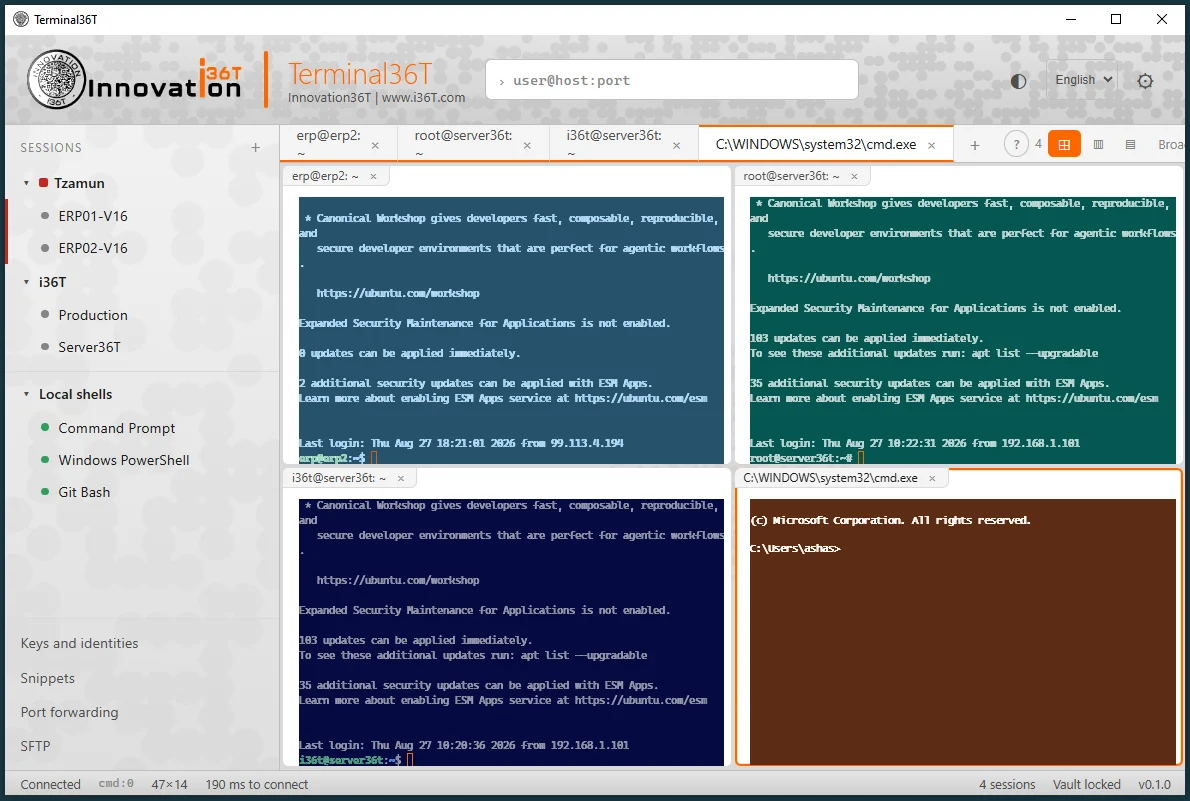
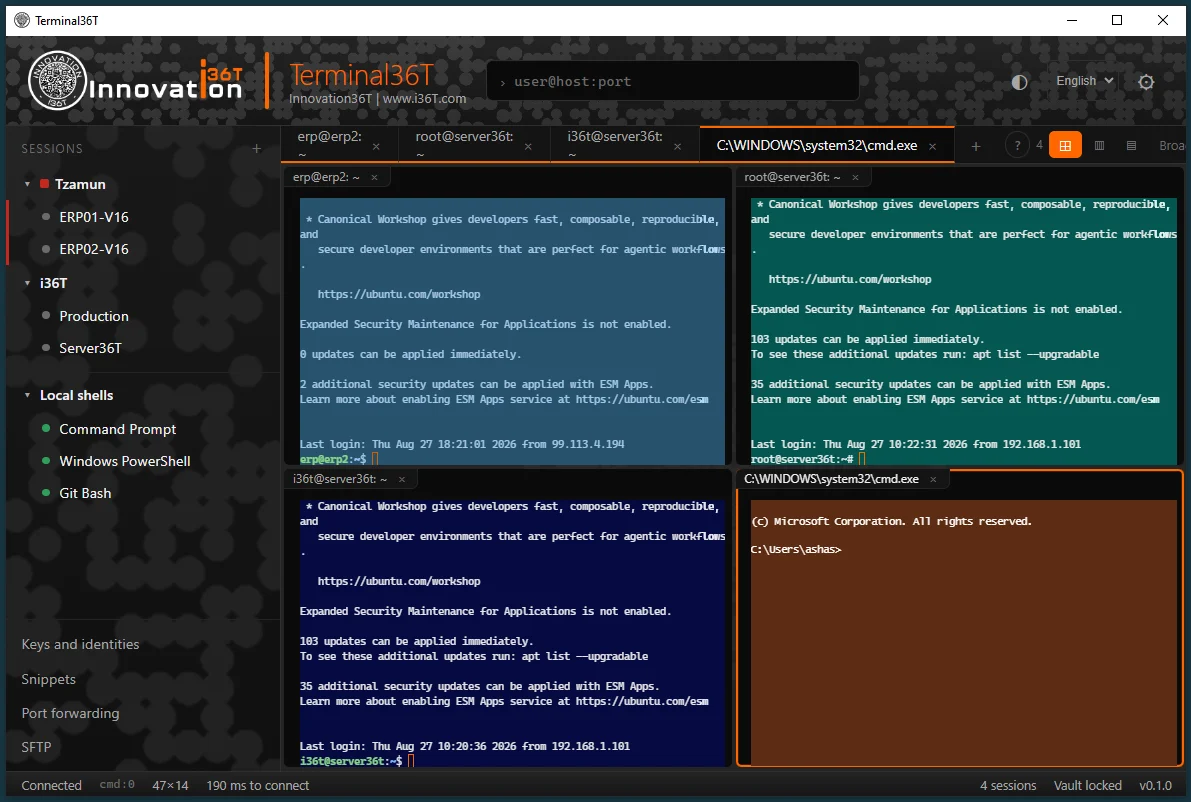
What you get
Everything below is in the free Windows build. No account, no trial, no upsell.
How to use it
From download to your first connection in about two minutes.
Install it
Run Terminal36T_0.2.6_x64-setup.exe. It installs for your user account only, so it never asks for an administrator password and does not affect anyone else on the machine.
If the machine does not already have Microsoft Edge WebView2, the installer fetches and installs it silently.
Connect to something
Type user@host into the box at the top and press Enter. A port
follows a colon — root@10.0.0.5:2222.
For anything you will connect to twice, save it instead: Sessions → New session in the sidebar. Already have your hosts somewhere? Sessions → ⋯ → Import ~/.ssh/config or Import PuTTY sessions. Both are safe to run twice — hosts already known are skipped, never duplicated.
Check the fingerprint
On a first connection you are shown the server's fingerprint before anything asks for a password. That is the point of it — accepting a key you have not looked at is the one step that undoes everything else.
Accept and remember, and it is written to
%USERPROFILE%\.ssh\known_hosts. If that key ever changes, the
dialog comes back in red and looking deliberately different.
Choose how you log in
Password, a key file, an agent, or keyboard-interactive — set it in the host
dialog. Key files may be OpenSSH or PuTTY .ppk, and the format is
read from the file rather than its name.
Pageant and the Windows OpenSSH agent are found automatically. Security keys
work through an agent: load the credential with ssh-add or Pageant,
then set the host to Agent.
Move files
Files in the sidebar opens a dual-pane SFTP browser on the session that is already connected. Drag files either way. Transfers queue, show progress, and resume from where they stopped if something interrupts them.
Make it yours
The gear icon opens the settings tree — 94 options across PuTTY's categories, with a search box that is the fastest way to any of them.
Settings apply at whichever level you opened the tree from: the gear for global defaults, or right-click a group or a host to set them there. Every value shows where it came from, and one click resets it to inherit again.
"Windows protected your PC"
You will see this when you run the installer, and it is expected. Windows shows that message for any installer that has not been signed with a paid code-signing certificate, whatever the installer actually does — it is a statement about the certificate, not about the file.
Click More info, then Run anyway. A signing certificate is on its way, and this notice will go with it.
If you would rather verify the download first, its SHA-256 is
957c477aff361c500e4f31e4c13f5a1159535fbc136224dbf1b11b7261c2fec2 —
check it with
Get-FileHash .\Terminal36T_0.2.6_x64-setup.exe -Algorithm SHA256.
Ready when you are
Free, no account required. Windows 10 and 11, 64-bit. macOS and Linux builds are coming in a future release.
Download Terminal36T 0.2.6Questions or a problem to report? info@i36T.com