
Remote36T
Remote access that runs your support, anywhere. Reach any machine by its 9-digit ID, take full control across every monitor, move files both ways, and record the session — attended or completely unattended. Every AnyDesk feature, on your own server.

Remote36T
What you get
Everything AnyDesk does — free core access, premium tooling and enterprise administration — running on infrastructure you control.
Attended & unattended access
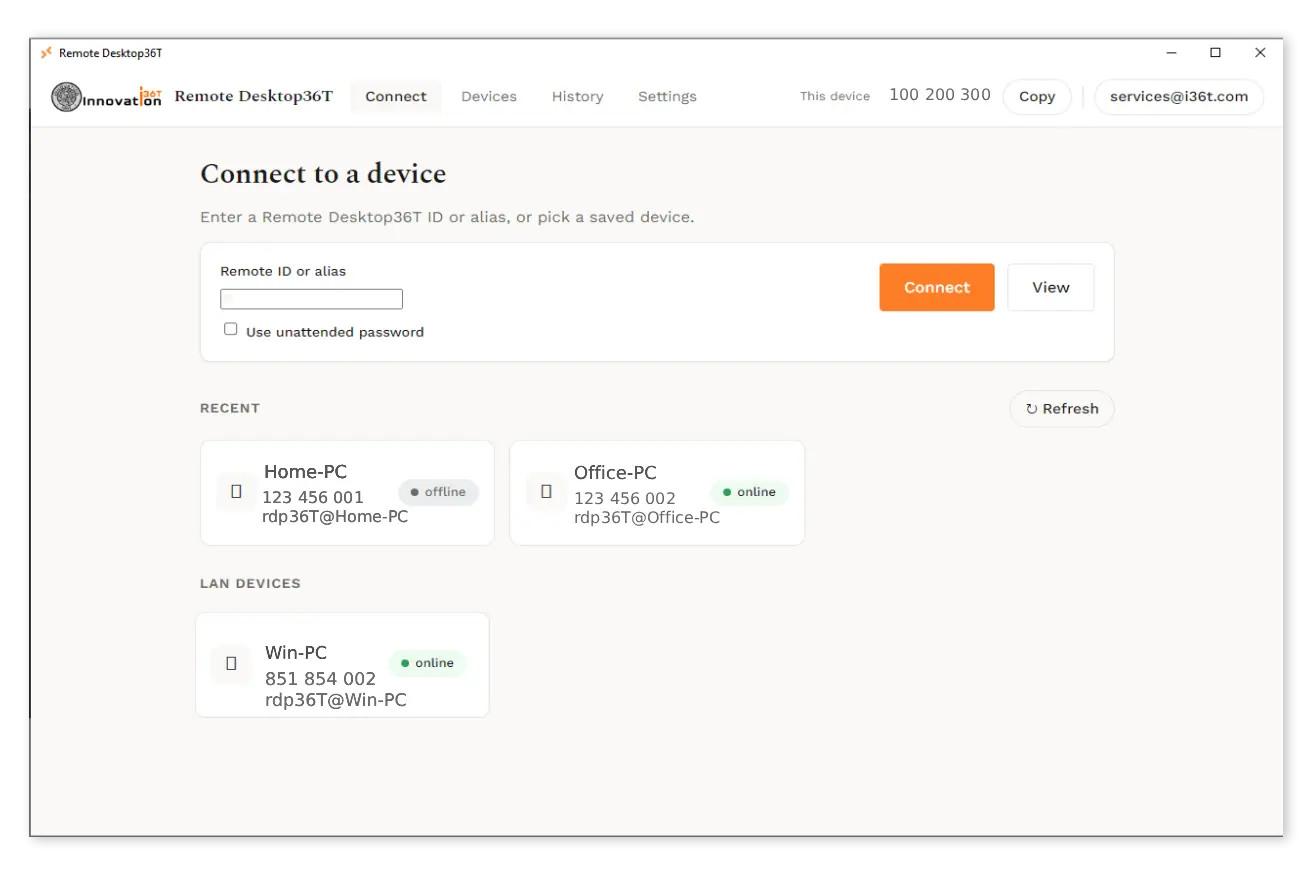
Connect by 9-digit ID or remote36T@alias with a one-click permission prompt, or set an unattended password with 2FA and reach servers and kiosks with no one there.
Adaptive multi-monitor streaming
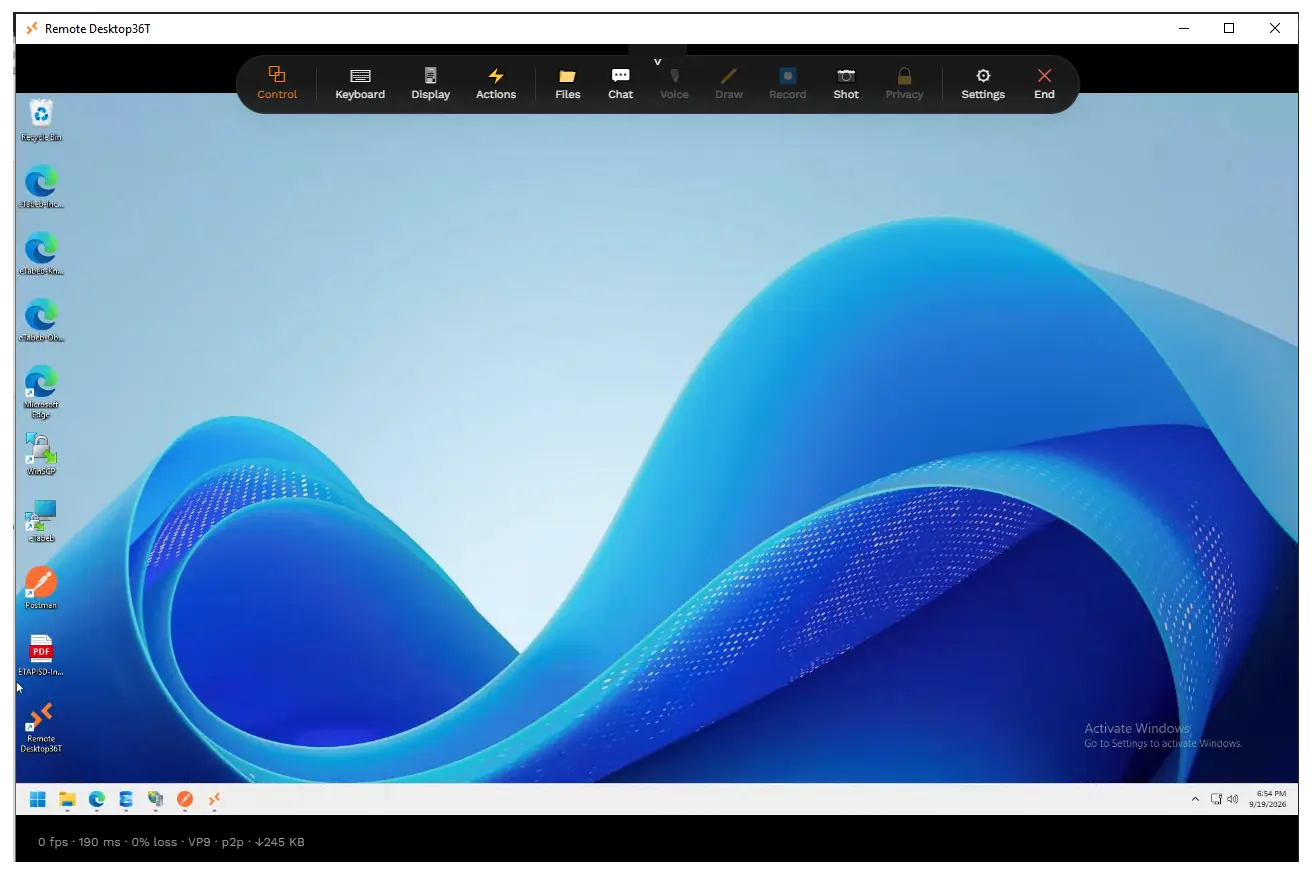
VP9/VP8/H.264 up to 4K 60fps that adapts to the link in real time. Show all monitors, switch between them, or open one fullscreen. View-only or full control.
File transfer that resumes
A dual-pane file manager with a transfer queue, drag & drop and resumable 100 MB+ transfers, plus bidirectional clipboard for text, images and files.
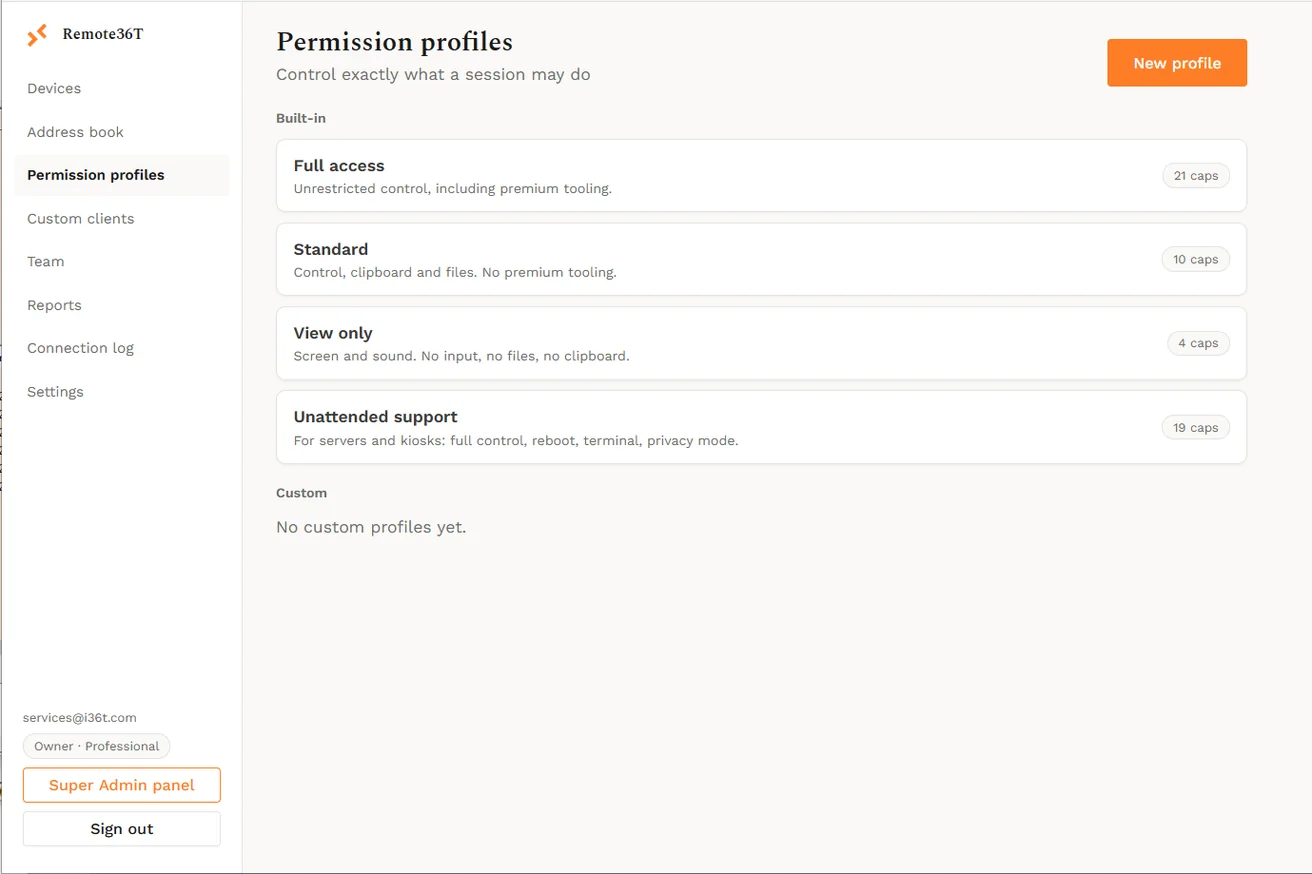
Permission profiles
Decide exactly what a session may do — sound, control, clipboard, files, drawing, recording, privacy mode, terminal — and enforce it on the controlled device.
Privacy mode & recording
Blank the remote screen and block its local input while you work, and record the whole session to video, saved locally or to the portal.
Terminal, tasks & remote print
Open a shell, inspect and kill processes in a remote task manager, restart the machine and reconnect, and print a remote document to a chosen printer.
Address book & groups
Save devices with tags, folders and favourites, see live online status, and group a fleet by company, department or location with per-group access.
Team, SSO & reporting
Invite people as Owner, Admin, Member or Guest, sign in with Google, Microsoft Entra or SAML, sync from LDAP, and report on who connected to whom, when.
Your own branded client
Generate a custom installer with your logo, name, preset password and auto-assignment — silent MSI or EXE for fleet-wide deployment.
Android phones & tablets
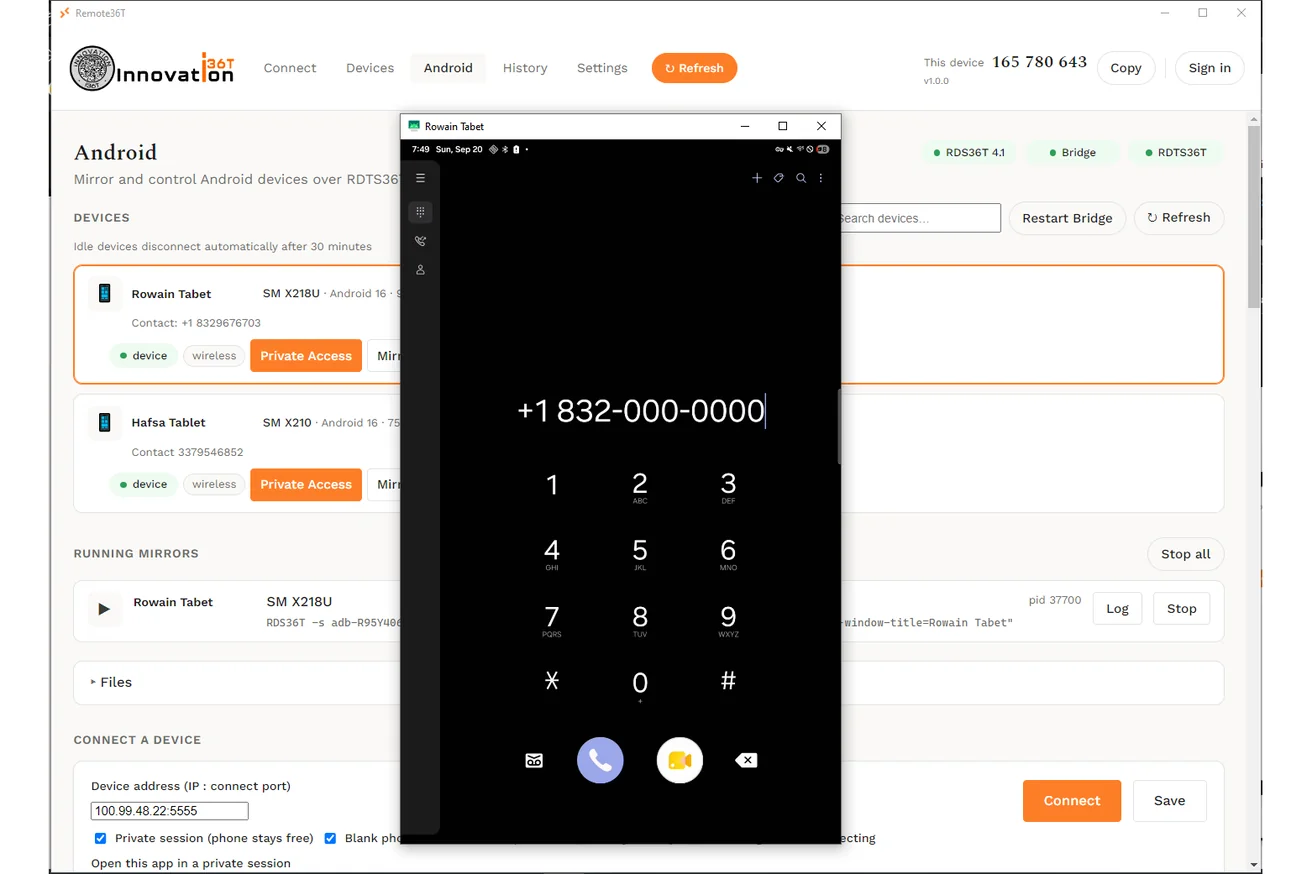
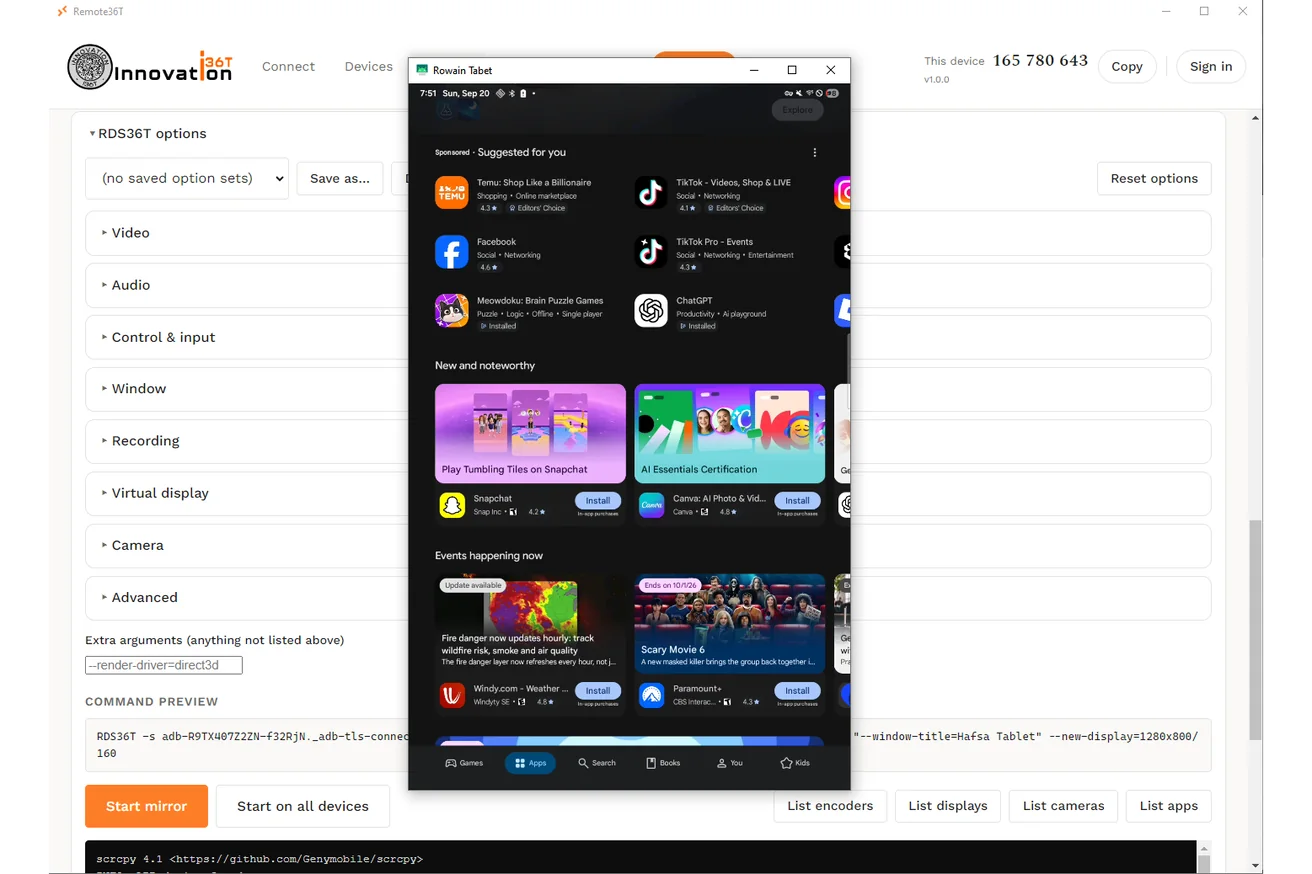
Mirror and control Android devices from the same client — wake and unlock them, browse and move files, install apps, and reach them over your own private network without opening a port.
Private Android sessions
An Android session runs on its own display, so the phone in someone's hand keeps showing their screen, not your work. Close the session and their device is exactly as they left it.
Every Android action logged
Connects, mirrors, file transfers, app installs and unlocks are written on the device first, so nothing is lost offline, then synced to your audit trail with the user, device and result.
Updates you control
Decide which version your fleet runs. Publish an update as optional and clients are told about it; mark it mandatory and they will not run until it is installed. Settings, saved devices and IDs survive every update.
One sign-in at a time
An account signs in on one machine. A second attempt is shown where the first is live and has to take over, so a shared login cannot quietly become several — and you can sign anyone out everywhere.
Fleet-wide admin
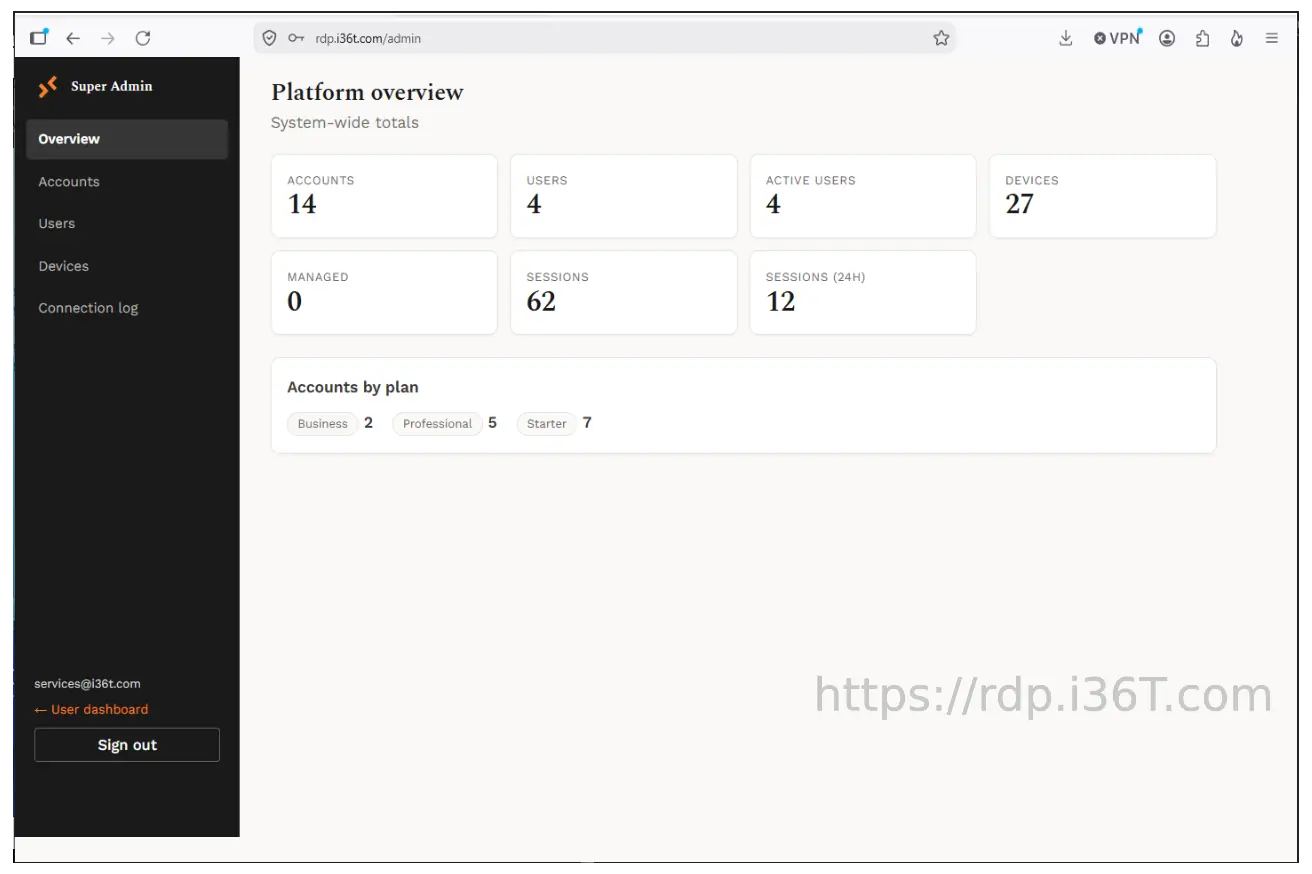
A platform administrator sees every account, user and device on the server: plans, connection history, device visibility, unattended access, update rollout and who is running which version.
Getting started
How to use it
From download to your first connection in about two minutes.
Run the Windows installer (or the portable build — no admin rights needed) and sign in with your remote.i36t.com account: email or username and password, or Continue with Google. New accounts start on the Free plan. The Desk tab then shows this PC's 9-digit ID.
To reach another machine, type its ID, its remote36T@name alias or your own name for it into the Desk tab and choose Connect or View. Give any device your own name with ✎ — it follows you to every PC you sign in on.
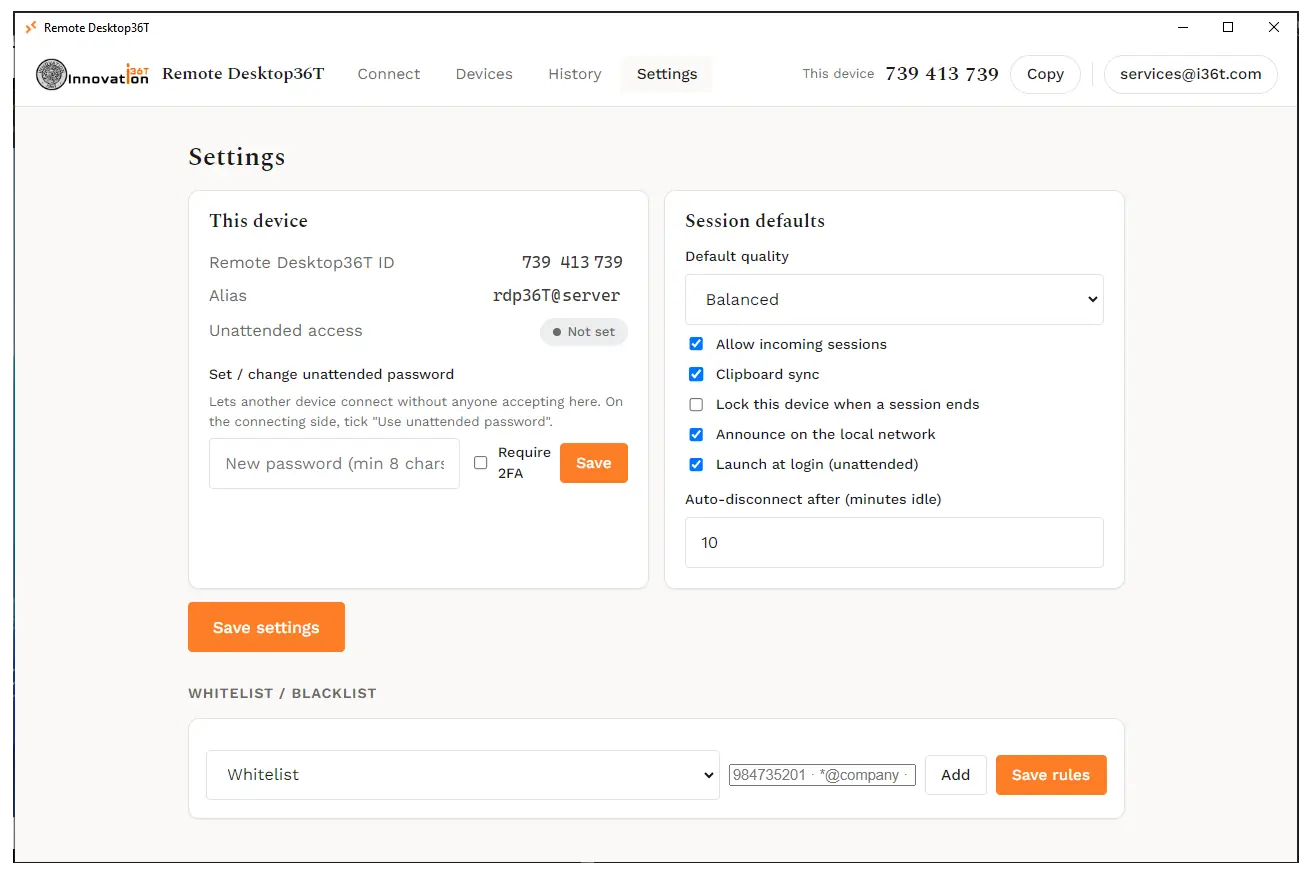
For a machine you manage (Business plan and up), set an unattended password in Settings and leave the app in the tray. Tick “Remember password” when you connect and it is saved to your account, so any PC you sign in on connects without asking.
During a session the toolbar gives you keyboard passthrough (Ctrl+Alt+Del, Alt+Tab, the Windows key), monitor switching, file transfer, chat, recording, privacy mode and remote actions.
In the Android tab, save your phones and tablets once — they sync to your account too. Mirror privately on the phone's own display, move files and install apps, over Wi-Fi or mobile data.
Settings shows your plan and how many of its devices are in use; compare plans on remote.i36t.com. The portal also manages devices, the address book, custom branded clients and session reports.
Ready when you are
Self-hosted on your own Ubuntu server. Windows 7–11, 64-bit; macOS, Linux and Raspberry Pi builds too. Free, Business, Professional and Unlimited plans: start free, paid plans from $15/month.
Questions or a problem to report? info@i36T.com