Ready Solutions · Projects
ERP36T Project Management
Plan, deliver and bill projects in one system. ERP36T Project Management runs projects from setup to billing: tasks, milestones, timesheets, issues and budgets, linked to CRM, sales, accounting and HR.
Included from the Business plan. See pricing
Overview
What Project Management does
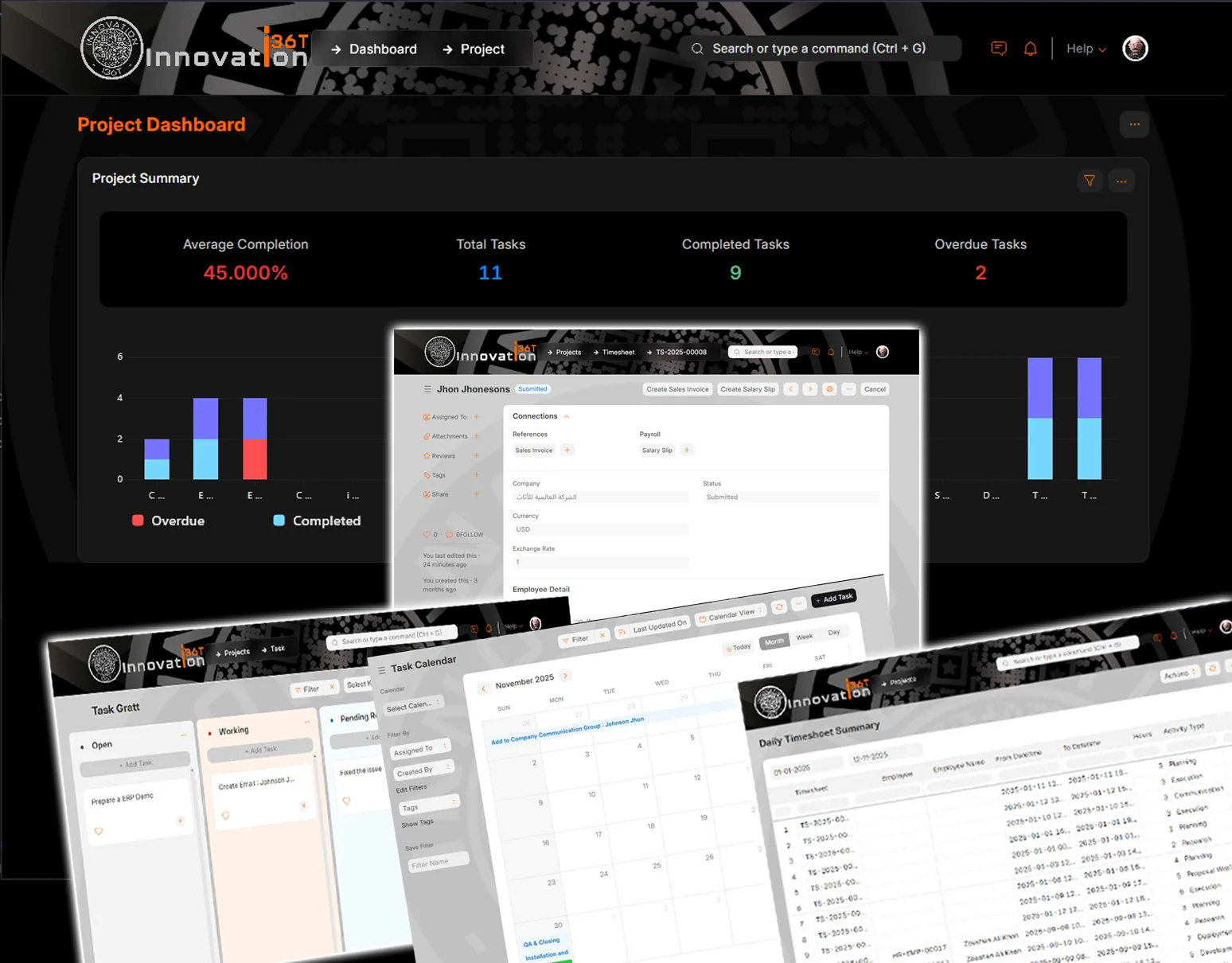
Project management is essential for planning, executing, tracking, and delivering work on time while keeping teams aligned on tasks, deadlines, budgets, and client expectations. ERP36T Project Management module is designed to manage the complete project lifecycle, including project setup, task execution, ToDo management, timesheets, issue tracking, billing, collaboration, and CRM-linked activities in one connected system. By organizing projects into tasks, milestones, follow-ups, and actionable work items, businesses can improve visibility, control resource usage, and keep both internal teams and client-facing operations coordinated. This helps organizations manage service delivery, implementation work, customer projects, and internal initiatives more efficiently while maintaining better accountability and progress control.
Project Management runs on the same ERP36T platform and database as every other module, so its records are shared, not copied, across the business.
What's included
Project Management components.
What the Project Management module covers, out of the box.
- Project Planning and Setup
- Project Templates
- Project Milestones
- Task Management
- ToDo Management
- Task Assignment and Ownership
- Task Priorities and Deadlines
- Task Dependencies
- Subtasks and Work Breakdown
- Kanban View
- Gantt Chart View
- Calendar View
- Project Tree View
- Timesheet Management
- Time Tracking and Activity Logs
- Billable and Non-Billable Hours
- Expense Tracking
- Project Budgeting
- Project Costing and Profitability Tracking
- Issue and Problem Tracking
- Resource Allocation
- Employee and Team Assignment
- File and Document Attachments
- Internal Notes and Comments
- Collaboration and Activity Timeline
- Notifications and Reminders
- Customer and CRM Integration
- Lead to Project Conversion Support
- Opportunity and Client Linking
- Sales Order and Quotation Linking
- Purchase and Vendor Coordination
- Billing and Invoicing Integration
- Payroll and HR Integration
- Inventory and Asset Linking
- Customer Portal and Project Updates
- Status Tracking and Progress Monitoring
- Custom Workflows and Approvals
- Dashboard and Project Analytics
- Project Reports and Performance Insights
Key features
What you can do with Project Management.
Standard on every ERP36T module (18)
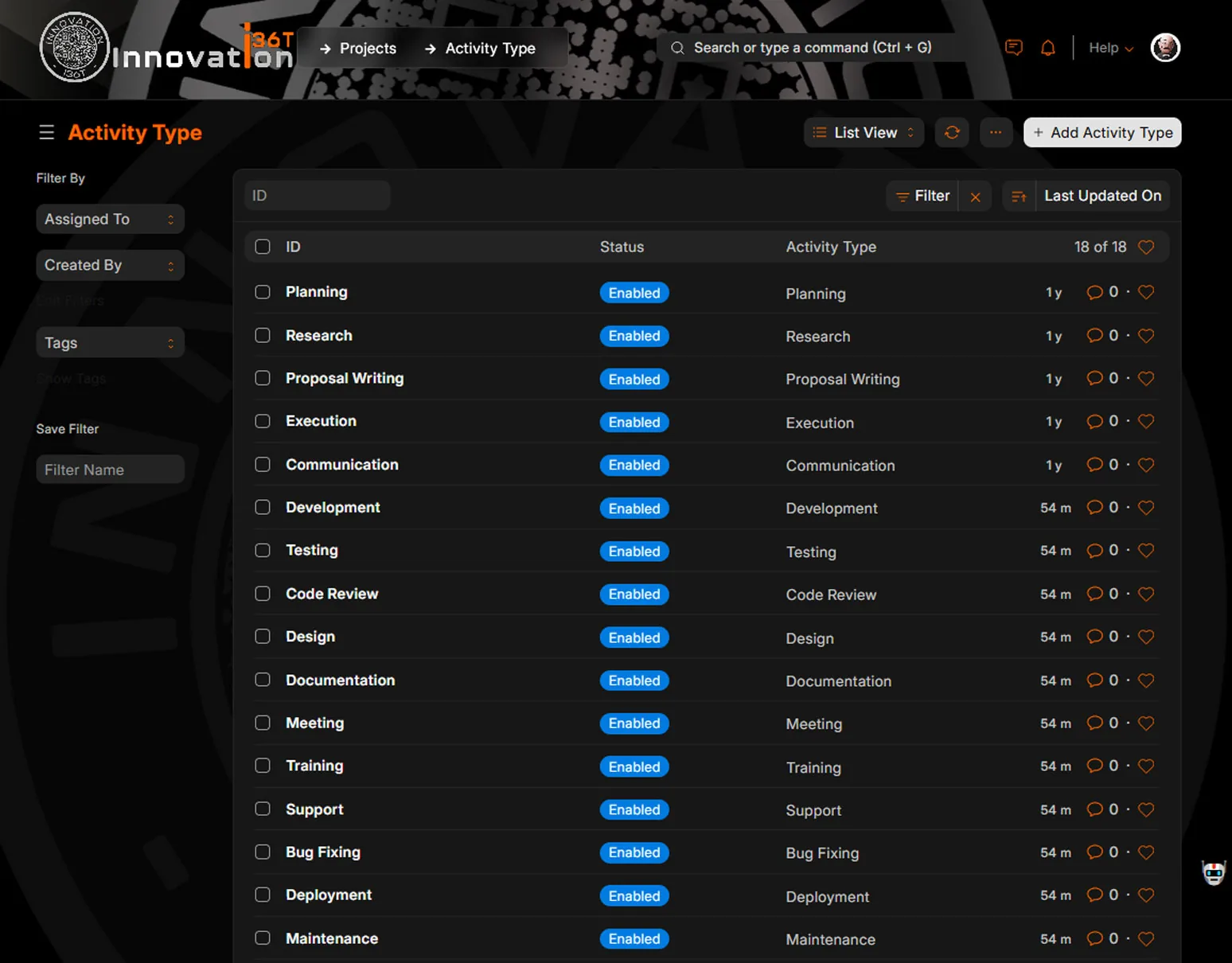
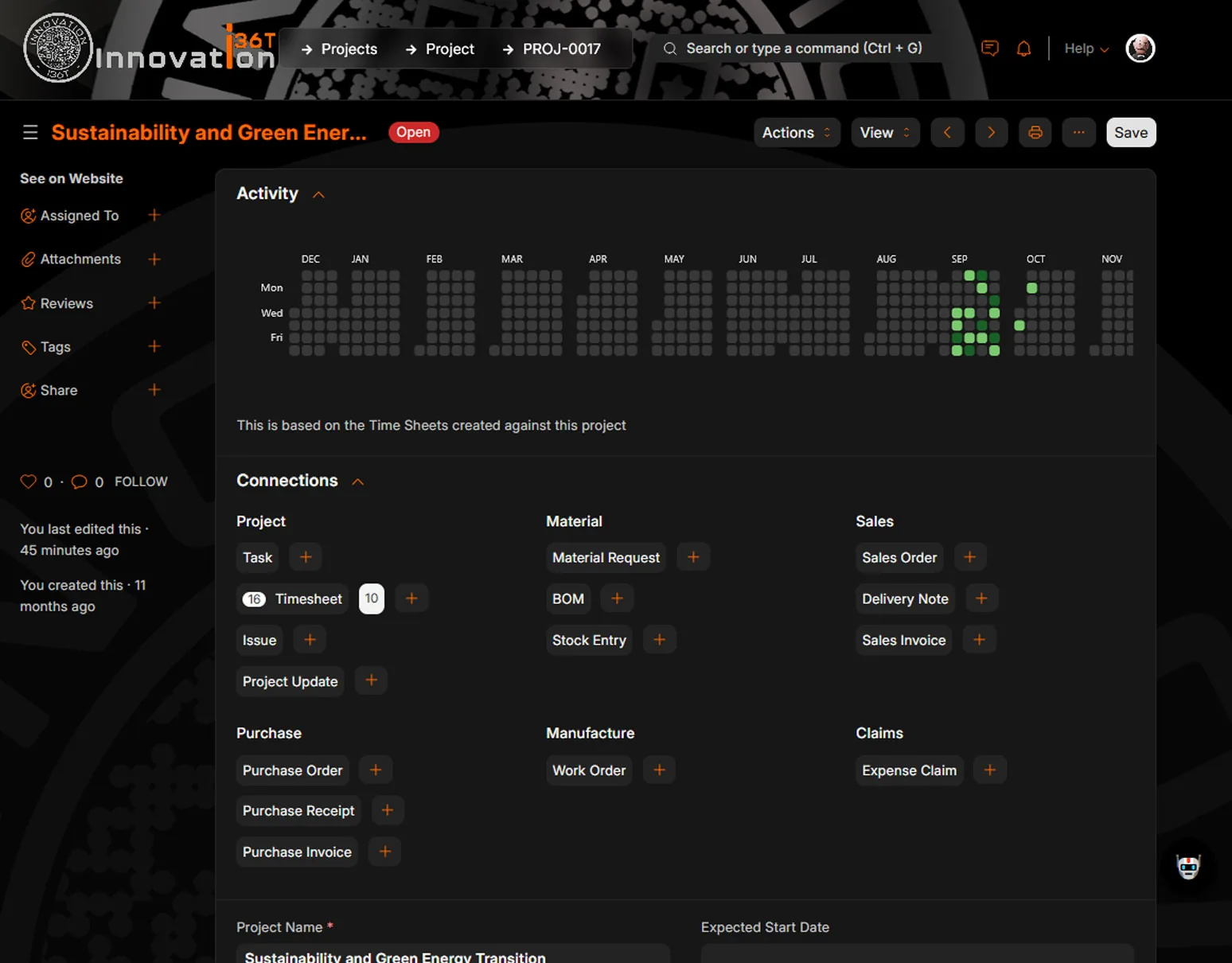
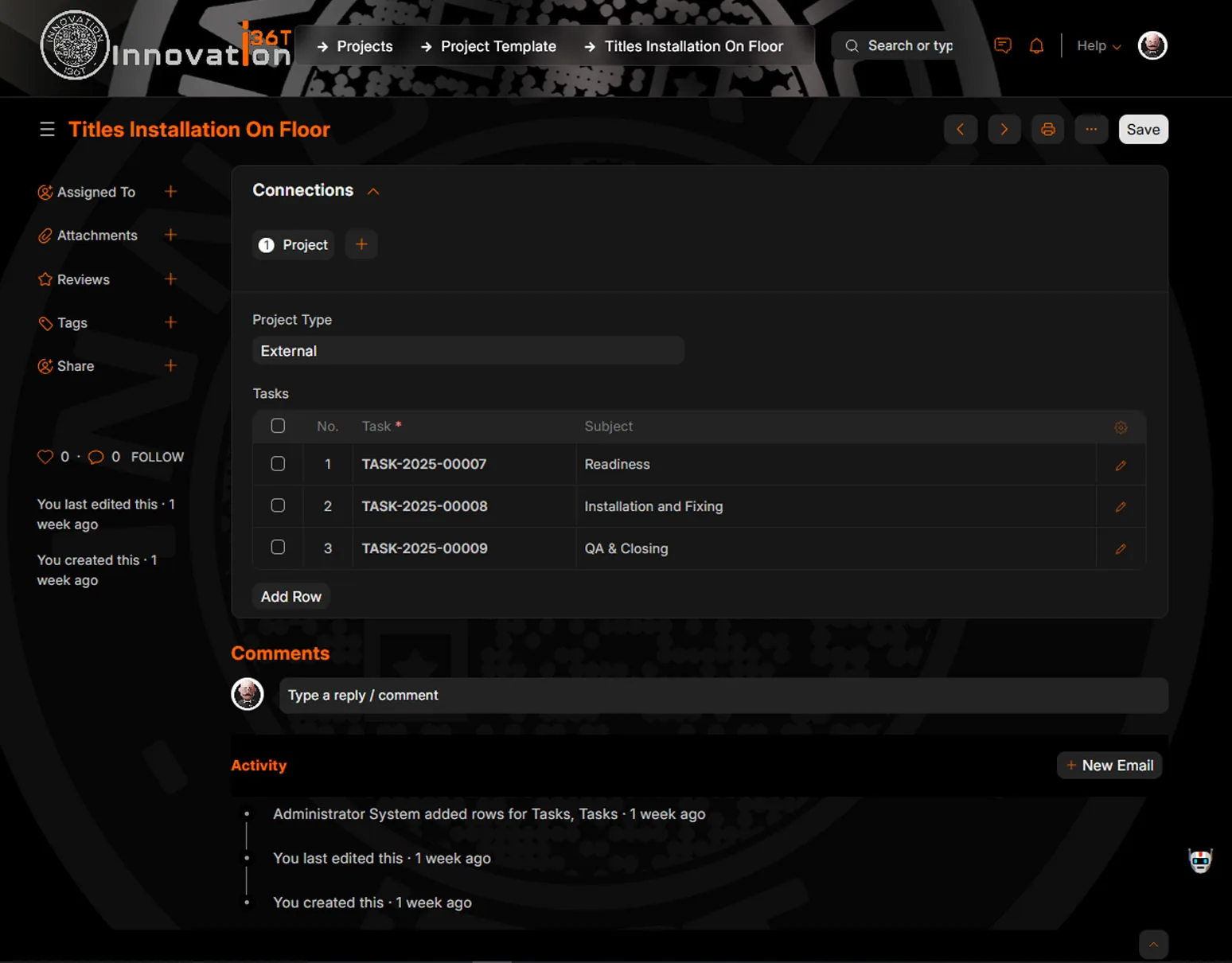
Screenshots
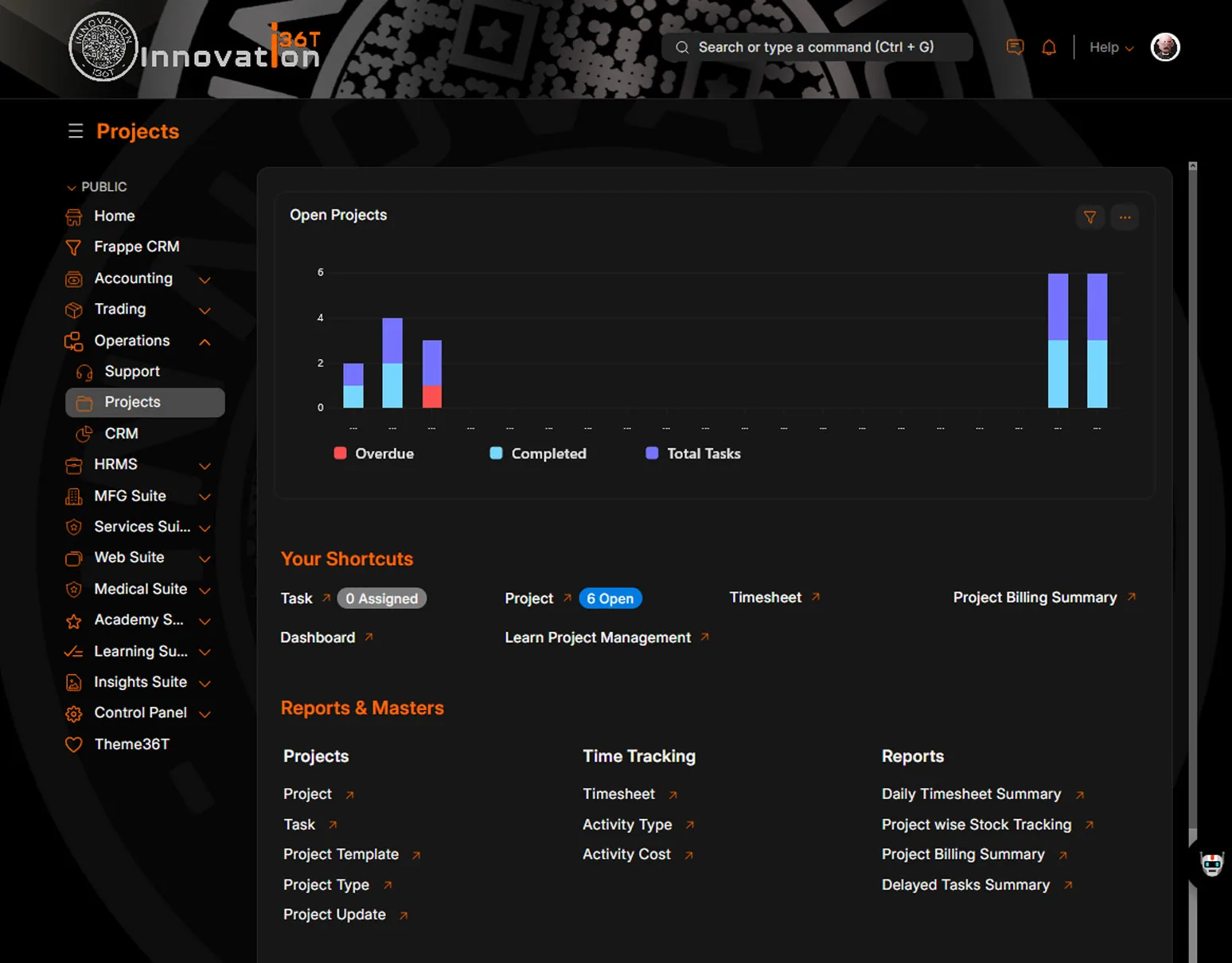
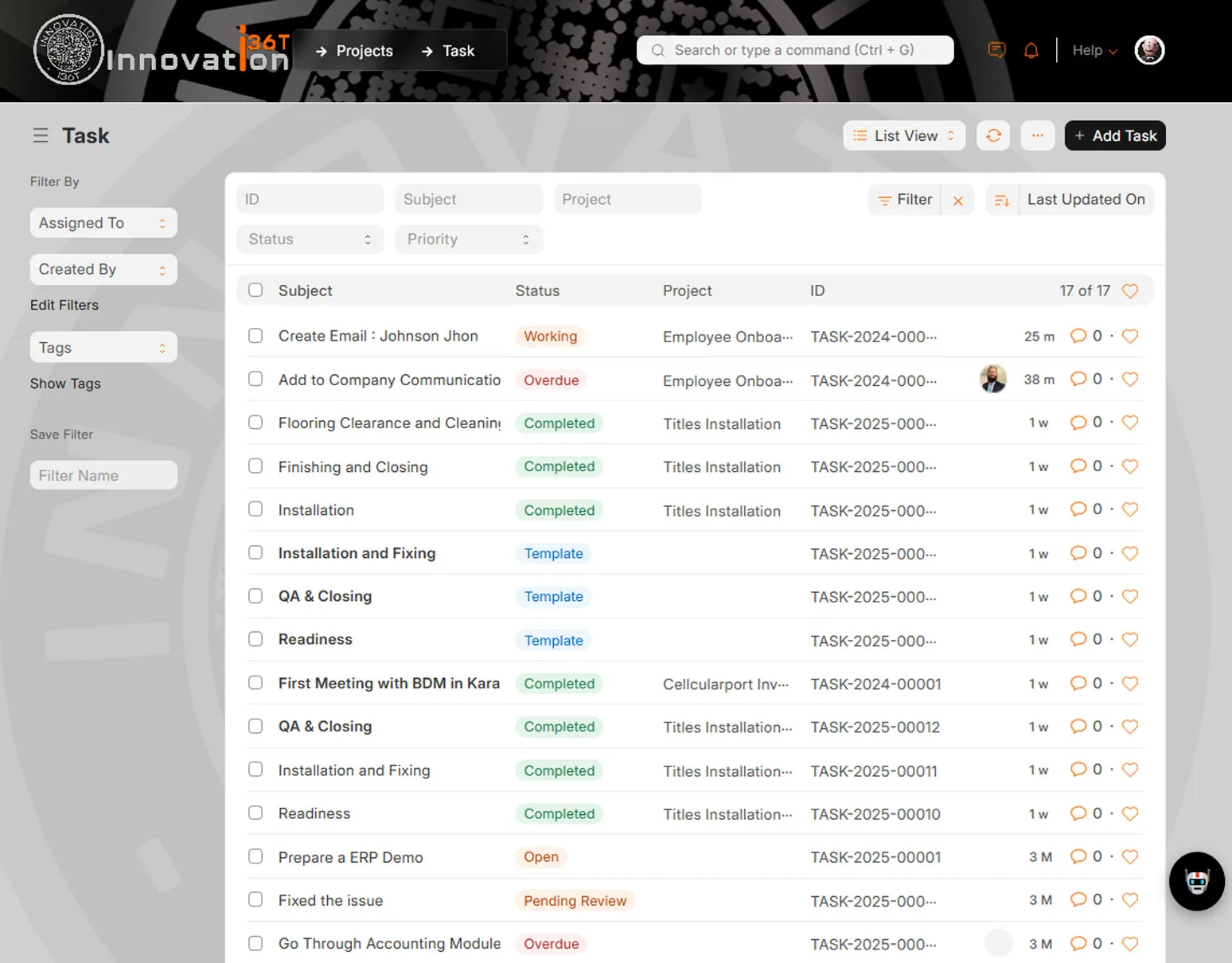
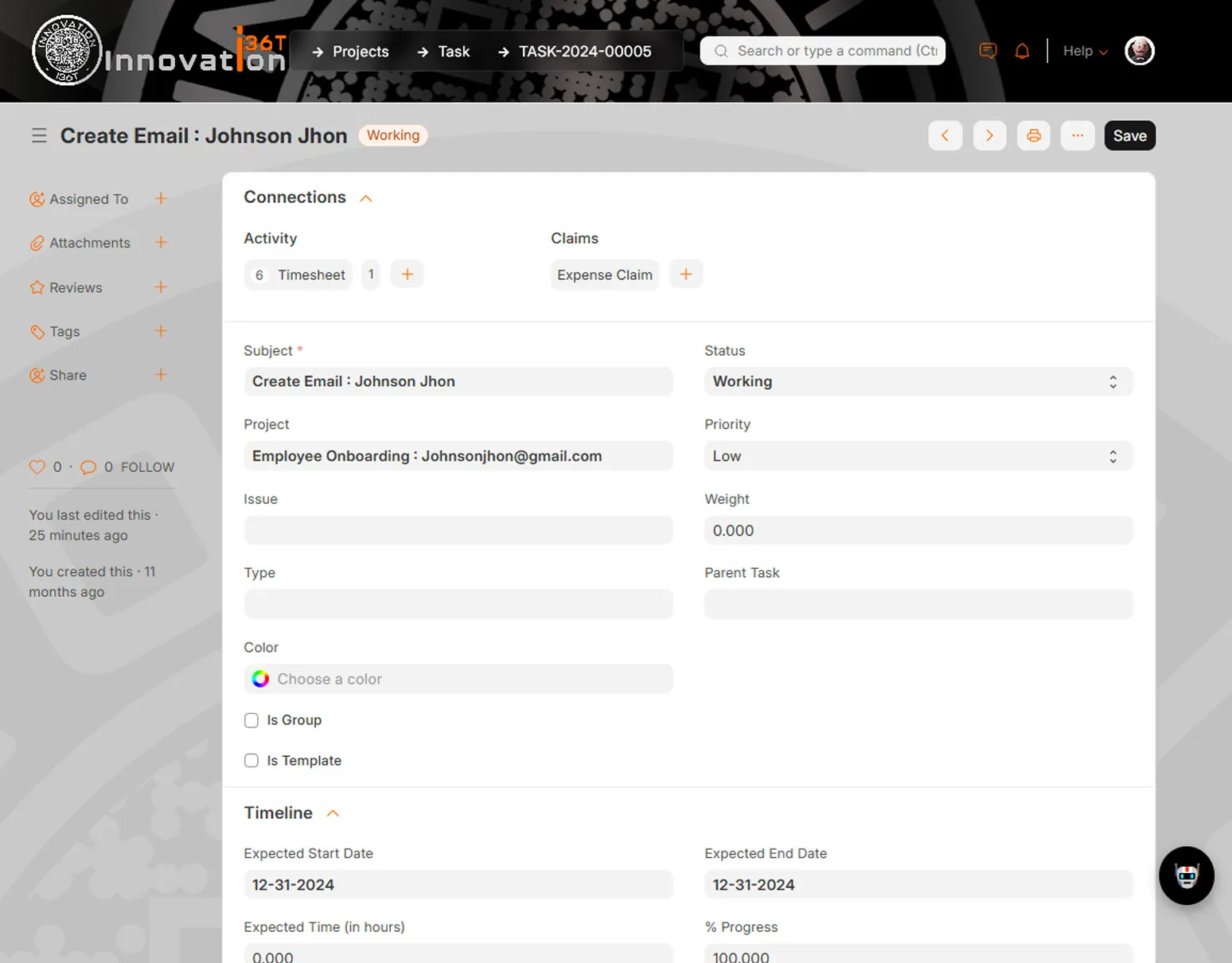
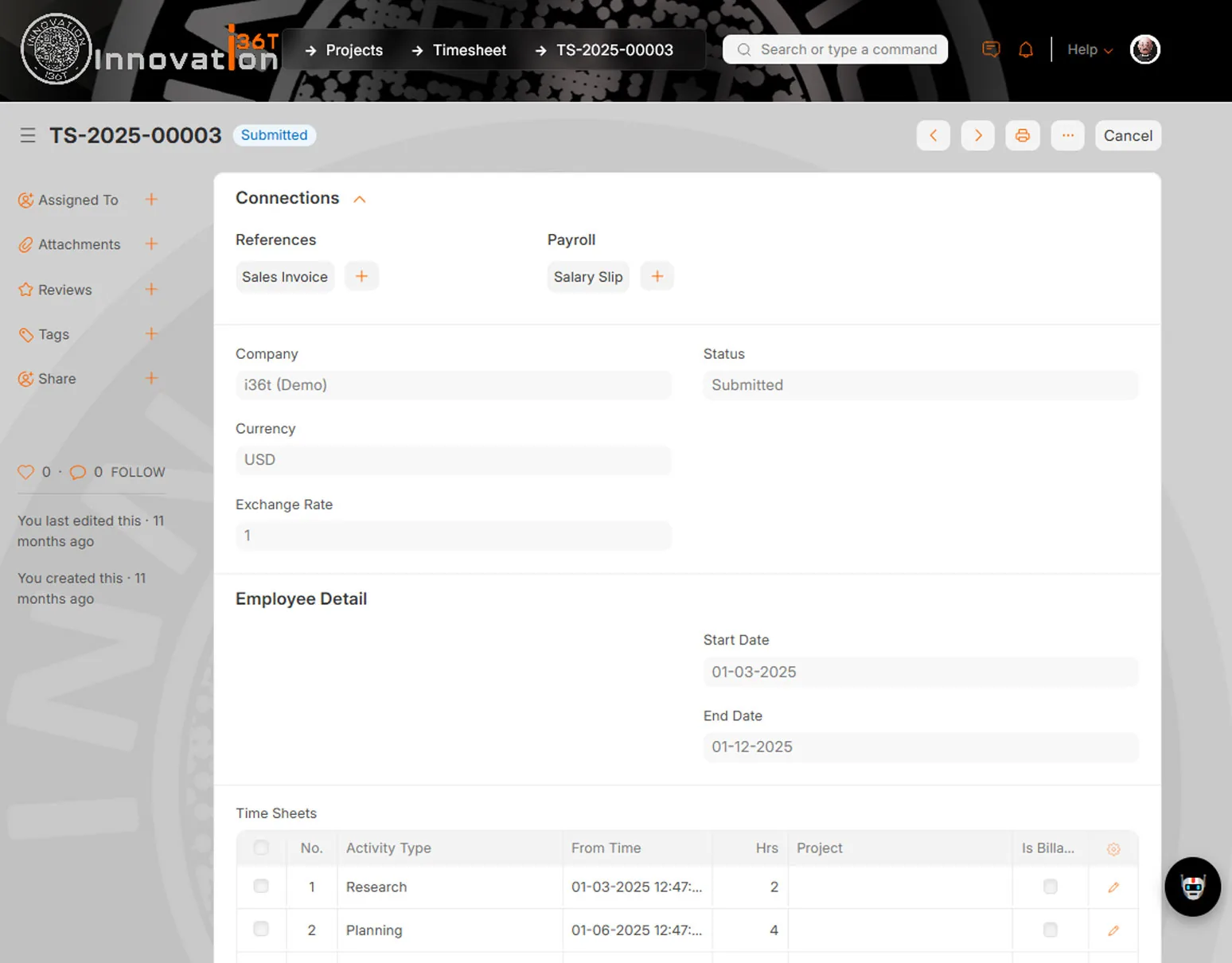
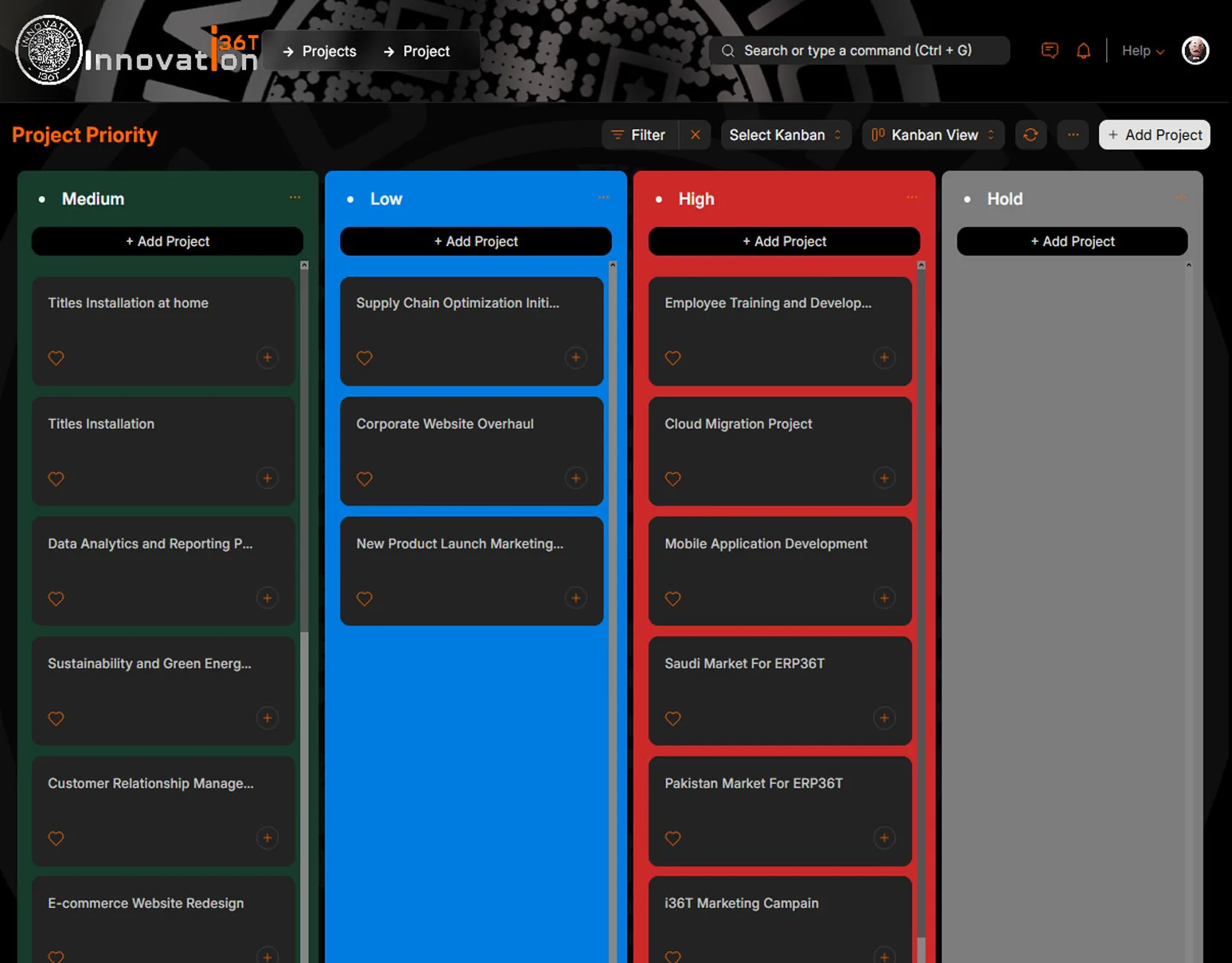
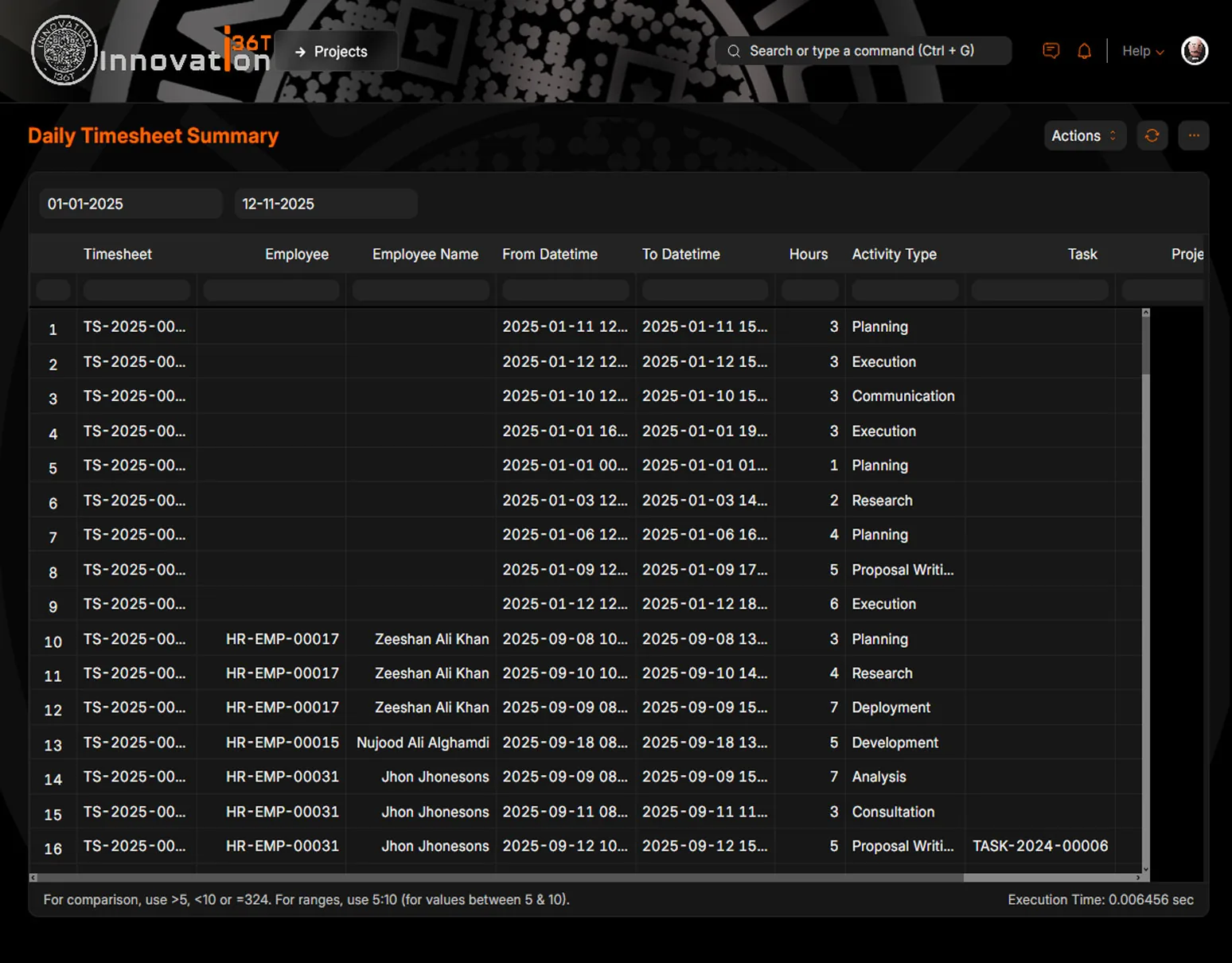
Project Management in ERP36T.
Real screens from ERP36T. Select any screen to open it full size.
End to end
How a client project runs, end to end.
Time recorded against a task becomes an invoice line without being re-entered.
Why it matters
Why teams run Project Management on ERP36T.
ERP36T Project Management helps teams improve execution, collaboration, and project visibility across the organization. It provides centralized control over projects, tasks, ToDos, timesheets, issues, budgets, and client-linked activities while integrating smoothly with CRM, sales, accounting, HR, payroll, purchasing, and inventory processes. The module supports both internal and external projects, allowing businesses to connect leads, customers, quotations, work delivery, billing, and profitability in a single operational flow. With visual planning tools such as Gantt, Kanban, and calendar views, along with reminders, file sharing, progress tracking, and reporting dashboards, ERP36T Project Management enables organizations to reduce delays, improve accountability, and deliver projects with greater confidence.
Connected across ERP36T
One platform, one database.
Included from the Business plan. ERP36T is priced by plan, not by module. See pricing
Related solutions
Works with the rest of ERP36T.
Quick Demo
Quick overview, in a few minutes.
Short videos on what ERP36T does and how the day-to-day work looks. Each one opens on YouTube in a new tab.