
ERP for Real Estate & Property
ERP for real estate and property businesses.
Leads, deals, projects, billing, assets, maintenance requests and the accounts on one ERP36T database, so the pipeline, the work and the ledger read from the same records.
Or get a free ERP assessment first.
ERP36T plans start at $299 per month · hosting, updates and standard support included
How it runs
How a real estate deal runs through ERP36T.
The enquiry, the deal, the invoice and the payment stay on one customer record.
What ERP36T manages
What a real estate business can run on ERP36T.
Capabilities that exist on the platform today, arranged around a property business. Your plan decides which are switched on.
What it replaces
The property stack ERP36T replaces.
Each of these keeps its own copy of the customer, and none of them agrees with the accounts.
- ✕Leads and deals in a spreadsheet
- ✕Billing assembled by hand each month
- ✕Maintenance requests in email and chat
- ✕Project costs worked out after the work
- ✕A fixed-asset register outside the books
- ✕Separate accounting
What changes
What changes for property businesses.
One customer record
The lead, the quotation, the invoices, the payments and the tickets all sit on the same customer.
Requests that are tracked
Maintenance and service requests become tickets with an owner, an SLA and a history.
Project cost while it matters
Budgets, expenses and purchases are costed against the project as they happen.
How it fits
How ERP36T fits a real estate business.
There is no packaged real estate solution
ERP36T serves real estate and property businesses, but it has no real estate package and no package price. You choose an ERP36T plan, and the plan follows the users and capabilities you need. The cost calculator lists Real Estate & Property as an industry.
Business is where projects and portals start
Projects and timesheets, the helpdesk with maintenance schedules, asset management, customer and supplier portals, full HRMS and payroll and workflow automation are included from the Business plan.
Several companies or locations
Property groups often hold assets in more than one company. Multi-company with inter-company transactions and consolidated reporting is standard from the Professional plan, as are auto-repeat documents and the REST API with webhooks.
Property-specific records
Units, leases or other property-specific records are not described as a standard ERP36T package, so raise them in the free assessment. Custom fields, forms and workflows are configured without code; anything larger is scoped as custom development in your proposal.
Pricing, implementation and switching
What ERP36T costs for real estate, and how you get there.
Plans starting at $299 per month
ERP36T has no packaged real estate solution and no package price. Real estate businesses run on an ERP36T plan, and the plan follows the users and capabilities you need: Starter starts at $299 per month with 5 users, Business at $599 with 10 users, and Professional at $999 with 30 users. Hosting, updates and standard support are included.
Implementation starting at $897
A one-time fee. The final cost depends on business complexity, number of companies, workflows, integrations, customisation, data migration and scope, and is confirmed in a scoped proposal.
Switching from another system
Property businesses often come from a bookkeeping package, spreadsheets and a separate CRM. Customers, suppliers, opening balances and the history you need are carried across and validated before go-live. Data migration starts at $1,500 and is scoped separately.
Questions
Real estate ERP: common questions.
How much does ERP36T cost for a real estate business?
There is no real estate package or package price. Real estate businesses run on an ERP36T plan: Starter starts at $299 per month, Business at $599 and Professional at $999. The plan follows the users and capabilities you need; the cost calculator estimates it. Implementation is a one-time fee starting at $897.
Is there a dedicated property management module?
No. ERP36T has no packaged real estate solution. Property businesses use CRM, projects, accounting, asset management, the helpdesk and portals. Property-specific requirements are reviewed in the free assessment and, where needed, scoped as custom development in your proposal.
Can ERP36T bill recurring charges?
Yes. Accounting includes subscription billing and deferred revenue and expenses, and from the Professional plan auto-repeat documents create repeating transactions automatically.
Can we track maintenance requests?
Yes. From the Business plan the helpdesk turns requests from portals, email and forms into tickets with assignment and SLA targets, and maintenance schedules and site visits are recorded against them.
Can we run several companies on one system?
Yes. Multi-company with inter-company transactions and consolidated reporting is standard from the Professional plan.
Free demo · free assessment
See ERP36T run your property business.
Book a live demo built around one of your own transactions, from enquiry to invoice, or ask for a free 30-minute assessment of how you run today. No cost, no obligation — we reply within one business day.
Quick Demo
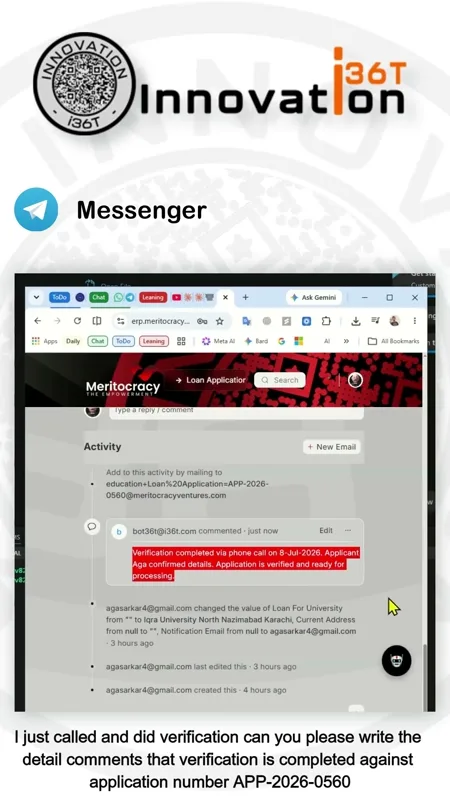
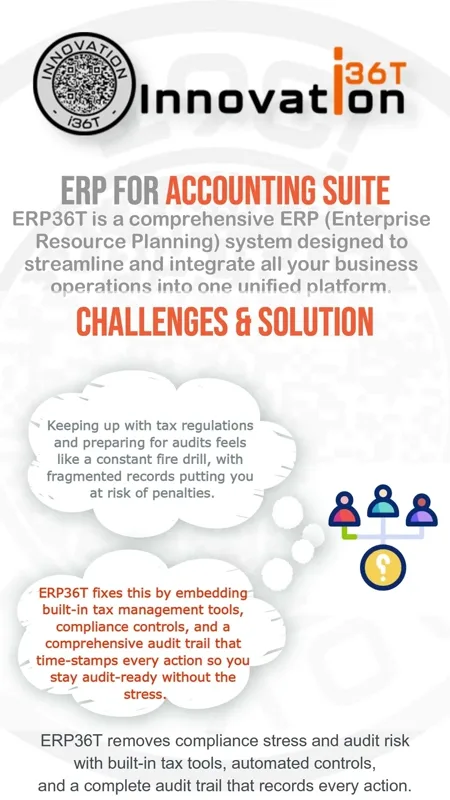
Quick overview, in a few minutes.
Short videos on what ERP36T does and how the day-to-day work looks. Each one opens on YouTube in a new tab.




Further reading
Guides from the ERP36T blog
Guide
What is an ERP system? A plain-English guide for growing businesses
What an ERP system is, what it does, how it differs from accounting software, what it costs and the signs your business is ready for one. Explained simply.
Guide
How much does an ERP cost for a small business? A 2026 pricing breakdown
The real ERP cost for a small business in 2026: subscription vs per-user pricing, implementation, data migration, hidden costs and a worked example.