
Switching from Zoho
Looking for a Zoho alternative?
Zoho One and Zoho Books serve a lot of growing businesses well. When the operation adds warehouses, production or a second company, some teams want one ERP on one database, with implementation, hosting and support from the same team. That is what ERP36T is.
Or get a free assessment of what moving would take.
Data migration starts at $1,500, scoped and quoted separately — no surprises at kick-off
Why teams look
When a Zoho alternative comes up.
- → Stock now sits in several warehouses, branches or locations
- → Production, bills of materials and work orders need to post to the same books
- → A second legal entity needs inter-company transactions and consolidated reporting
- → The team wants one database rather than choosing and connecting separate apps
- → Implementation, hosting and support are wanted from one accountable team
- → Some data has to stay in a private cloud or on your own servers
On ERP36T
What you get when you move from Zoho to ERP36T.
- Accounting, sales, purchasing, inventory, CRM, HR and payroll, manufacturing and projects on one database
- One plan with the modules your industry needs already on
- Multi-company and multi-location as standard from Professional
- Hosting, updates, backups and standard support in the subscription
- Cloud, private cloud or on-premise deployment
- A full audit trail and field-level permissions on every record
Zoho One and Zoho Books users
Where ERP36T covers the same ground, on one ledger.
Whether you run the Zoho One suite or Zoho Books for accounting, these are the areas teams usually compare first.
Accounting
Chart of accounts, sales and purchase invoices, payment entries, bank reconciliation, budgets, tax templates and a multi-currency ledger with exchange-rate revaluation, on every plan.
Inventory and warehouse
Warehouse tree, stock ledger and valuation by FIFO or moving average from Starter. From Business: batch and serial tracking, pick lists, putaway rules, multi-warehouse allocation and landed cost.
Manufacturing
From Professional: multi-level BOMs, work orders and job cards, production planning, material requirement planning and batch traceability from raw material to despatch.
CRM and sales
Lead to opportunity to quotation to sales order, price lists and pricing rules, and delivery notes and invoices raised from the order, on the same records as stock and accounts.
HR and payroll
From Business: salary structures, payroll entry, salary slips, expense claims, recruitment and employee self-service for leave, claims and payslips.
Several companies
From Professional: multi-company with inter-company transactions, consolidated multi-company reporting, and multi-location, multi-warehouse and multi-branch operation.
Pricing model
ERP36T is priced by plan, with users included.
- Starter — starting at $299 per month with 5 users included
- Business — starting at $599 per month with 10 users included
- Professional — starting at $999 per month with 30 users included
- Enterprise — a scoped quotation, with no users limit
Additional users are $30, $25 and $20 per user per month on Starter, Business and Professional. Implementation is one-time, starting at $897. AI is an optional add-on, priced separately. See full pricing.
What Zoho publishes
Zoho's own pricing pages, checked November 2026.
- i Zoho One offers two pricing models: All Employee pricing, which requires a licence for every employee on payroll, and Flexible User pricing, for any number of users. Its Standard edition lists 50+ business apps. Source: Zoho One pricing.
- i Zoho Books is priced per organisation per month, and each plan includes a set number of users, from 1 user plus an accountant on the Free plan to 15 users on Ultimate. Source: Zoho Books pricing.
Zoho sets and changes its own prices and plans; check its pages for current figures before comparing.
Migration
What moves across from Zoho.
Scoped and priced separately from implementation, because how much history you carry is your decision, not ours. Open invoices and opening balances are always part of it.
Assess
What you run today, what has to move, and what can be left behind.
Map
Your accounts, master data and processes mapped onto ERP36T.
Migrate
A test load first, reconciled against Zoho before anything is signed off.
Parallel run
Both systems live briefly, so you prove the numbers agree.
Go live
Switch over with our team in the room, then support under one contract.
Next steps
Where ERP36T fits your business.
By industry
See how ERP36T runs a distribution order, a 3PL warehouse and a production floor, each with its industry's capabilities already configured.
Pricing
Plans start at $299 per month with hosting, updates and standard support included. Implementation starts at $897 and data migration at $1,500, both one-time.
See it first
Book a live demo on one of your own transactions, or ask for a free assessment of what moving would take.
Free demo · free assessment
Thinking about moving off Zoho?
Tell us what you run today. We'll come back with a migration scope, a realistic timeline and an honest view of what it will take — at no cost.
Questions
Moving from Zoho to ERP36T.
Is ERP36T an alternative to Zoho One?
ERP36T is a single business management platform: accounting, sales, purchasing, inventory, point of sale, CRM, HR and payroll, manufacturing and projects run on one database, so a transaction is entered once and reflected everywhere. Plans start at $299 per month with hosting, updates and standard support included.
Is ERP36T an alternative to Zoho Books?
Yes, if you need more than accounting. Every ERP36T plan includes accounting with a chart of accounts, invoices, payment entries, bank reconciliation, tax templates and a multi-currency ledger with exchange-rate revaluation, and inventory, purchasing, sales and CRM post to the same ledger.
How is ERP36T priced?
By plan, with users included: Starter for 5 users, Business for 10 and Professional for 30, with additional users billed monthly per user. Enterprise is a scoped quotation. Implementation and data migration are one-time fees confirmed in a scoped proposal. See pricing.
What data moves across from Zoho?
Typically the chart of accounts, customers and suppliers, items and price lists, open invoices and bills, and opening balances, plus historical transactions if you want them. Every load is reconciled against the old system before go-live. Data migration is optional and starts at $1,500, one-time.
How long does it take to go live on ERP36T?
The cost calculator estimates 3 – 6 weeks for businesses with up to 200 employees and 6 – 10 weeks for 201 – 500 employees; larger projects are agreed individually. Most customers start on one or two processes and widen once those are live.
Can ERP36T run on our own servers?
Yes. ERP36T runs in Innovation36T's managed cloud, in a private cloud under your own tenancy for data-residency requirements, or on-premise on your own hardware.
Quick Demo
Quick overview, in a few minutes.
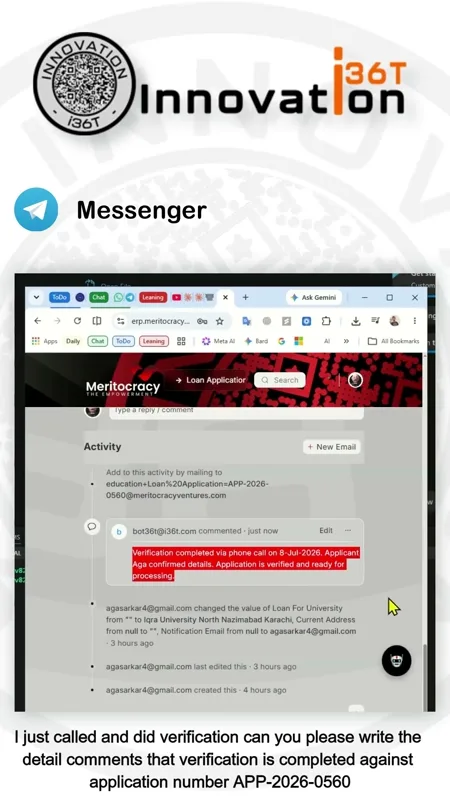
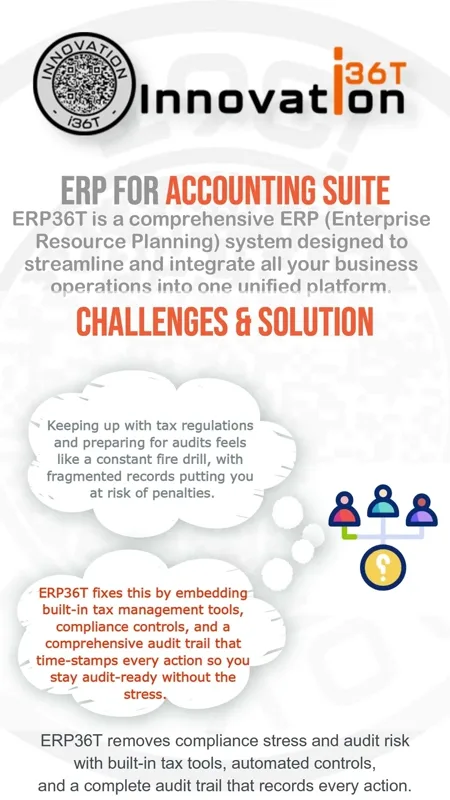
Short videos on what ERP36T does and how the day-to-day work looks. Each one opens on YouTube in a new tab.




Further reading
Guides from the ERP36T blog
Guide
Affordable ERP for small and mid-sized businesses: enterprise features without the enterprise price
Affordable ERP for small business: ERP36T vs NetSuite, SAP Business One, Dynamics 365 and Odoo on first-year cost, AI and what growing firms need.
Guide
ERP implementation and legacy migration: the complete step-by-step guide
ERP implementation and legacy migration, step by step: six phases, data migration, cutover options, common mistakes, timeline and cost.